Temp Mail for Spotify: What Works at Sign-Up, and the Recovery Catch
Spotify does not publish a disposable-email policy, but its self-serve password reset runs through your inbox. Lose it with no other login attached, and getting back in gets hard.
Quick access
Does temp mail work for Spotify?
Temp mail can work for a Spotify sign-up. Spotify lets you register with an email, phone number, Apple, or Google, but the official support pages checked here do not publish a disposable-email rule either way. The catch is recovery: Spotify's self-serve password reset runs through the registered email, so if that inbox is gone and no other login is attached, your documented options are to regain the old email or start over.
Search this topic and you meet two confident answers. Temp mail vendors say Spotify "fully supports" disposable email; scattered forum posts say Spotify rejects it. Spotify's own support pages, checked in July 2026, say neither. There is no published rule accepting disposable email and no published rule banning it, so acceptance is undocumented and conditional, not a guarantee in either direction. What is documented is what happens after you sign up, and that is where the real decision sits.
If all you want is a clean sign-up, you can create a free temp mail address in seconds with no registration. Whether that address is a good idea for this particular account depends on one thing: whether you can still get into the account after the inbox is gone.
How Spotify uses your email address
Spotify puts your email in two roles: a security checkpoint it can ask you to confirm, and the address its self-serve password reset writes to. The first is occasional. The second is the one that decides whether a disposable address is safe to use here.
Verification is a security request
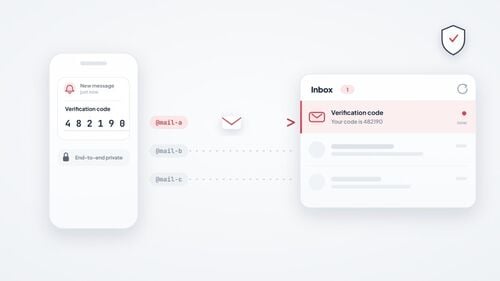
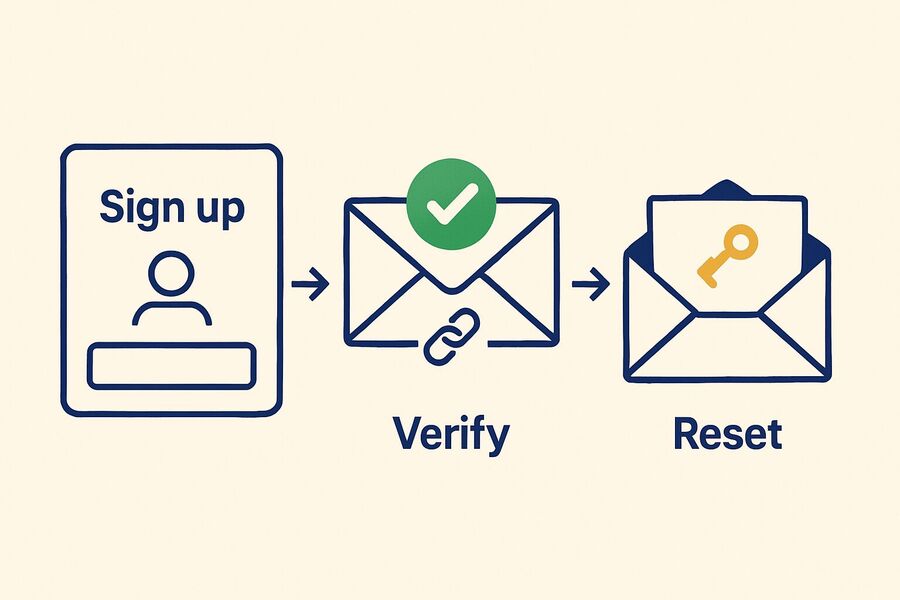
Spotify's support page states it plainly: "For security, we sometimes ask you to verify your email address." When it does, you tap SEND EMAIL, and Spotify sends a verification link to the address registered to your account. Opening that link confirms the mailbox is yours and reachable.
If the message never lands, Spotify's own advice is to check spam, the Promotions tab, and any inbox filters, then try again. Those are the same fixes that apply when a verification code never arrives anywhere else. If you want the broader picture of what makes these messages arrive or stall, tmailor.com keeps a guide to what works and what fails with one-time codes.
Password reset goes to the registered email
This is the sentence that matters. Spotify states: "You need access to the email address associated with your Spotify account to open the password reset link we email you." If you lose that inbox, Spotify's self-serve options narrow to two: regain access to the old email, or create a new account and start fresh.
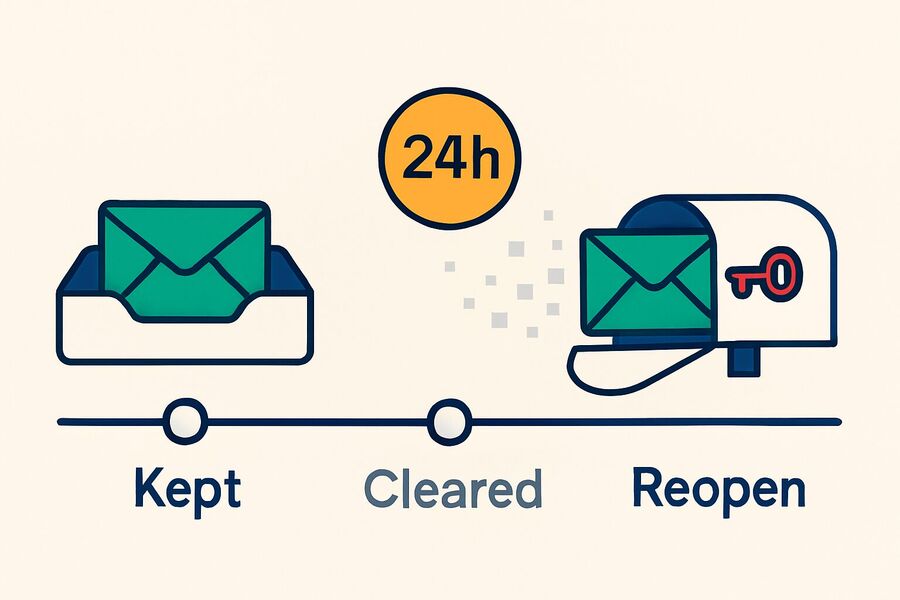
Tmailor holds incoming messages for about 24 hours, then deletes them, so a reset link that arrives on a disposable address is readable only while it is fresh. That short window is exactly what makes a disposable address risky for an account you want to keep. One qualifier matters, so it is not lost later: this is Spotify's self-serve reset path, not every way back in. An alternative login attached to the account, covered next, changes the outcome.
If you use a disposable address for Spotify, keep it recoverable
The task that matters is not making the account. It is still having a way in a year later. Four moves keep a disposable address from turning into a locked door.
Save the Access Token the moment you have it
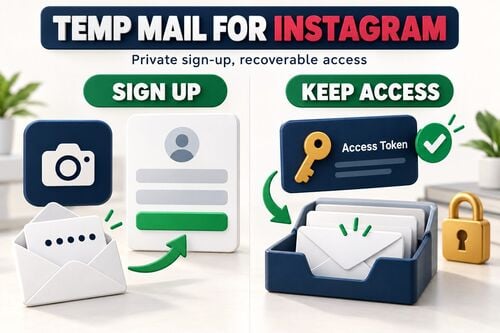
Save the Access Token the moment you create the address. It is the only way to reopen that same Tmailor inbox after the messages clear, and it is the reason a disposable address can survive an account you mean to keep. The Access Token is a recovery key, not a password, and nobody can reissue a lost one, Tmailor staff included. Store it where you keep your passwords, and you can reopen the same address later to receive a fresh Spotify reset email, though the old messages will be gone.
Attach a second login you control
Spotify lets you add login methods to an existing account. Its login-methods page says to "Select Add next to the method you want to enable," and adds the new method to your current login methods after you confirm it. Connecting another login you control, such as Apple or Google where available, gives you a second door that does not depend on the disposable inbox. Add it early, while you still have easy access, rather than after something breaks.
Changing your Spotify email later is simpler than people expect
You do not need the old inbox to move off it. Spotify's change-email steps are to open your account page, enter a new address under Email, confirm your password, and save. Account access plus your password is enough; the current mailbox does not have to be reachable. The one condition is that the new address must not already be tied to another Spotify account.
Read Spotify's mail before it clears
Open the verification link and any reset email while they are still in the inbox, inside that 24-hour window. The address itself can be reopened with the Access Token, but the messages cannot be brought back. If you ever reach the point where both the Access Token and the password are gone, start with the recovery sequence for a lost token and password, which maps out what is still possible.
Why Spotify may reject or flag your email
Spotify's login-methods page names one hard rule about addresses: "It's not possible to add the same login details to multiple Spotify accounts. If your chosen login is already connected to an existing account, try a different method." That is the documented reason behind an "email already in use" message, and it applies to any address, disposable or not.
If you closed an old account on that address, Spotify says you can reuse the email to create a new account 14 days after the closure. Beyond this rule, a generic "invalid" or "try another email" message is user-reported behavior rather than published policy, so treat it as a domain Spotify happens to decline, not as a category ban. The mechanics of that are covered in tmailor.com's guide to why some sites filter disposable domains. The wider split, which services wave temp mail through and which reject it, is mapped in a separate rundown of sites that accept or block temp mail.
Where this ends is worth saying plainly. If Spotify declines a domain, that is Spotify's call, and hunting for one that slips past it is no basis for an account you plan to keep. Tmailor operates 500+ domains because senders behave differently across them, not to work around a service that said no.
Free vs Premium: where a temp address fits
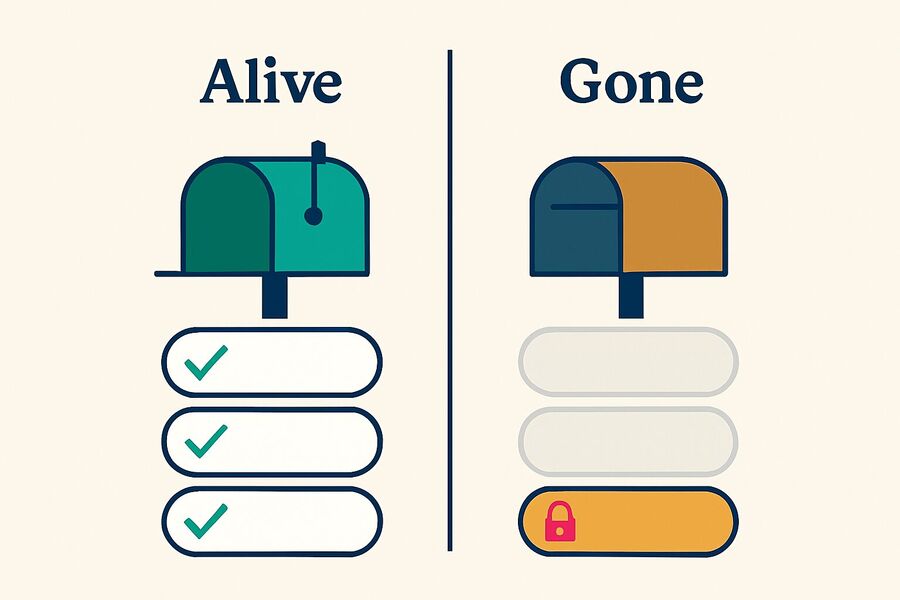
For Spotify, temp mail is most defensible on a low-stakes Free account and a poor fit for paid or long-term use, because recovery and billing run back through the email. Premium Student uses a separate third-party identity check, and Family or Duo add their own address verification, so those need a more durable inbox than the simple listener-account case here.
Sort the decision by one question: would losing this account cost you money or a library you would miss? A disposable address is a clean fit for a Free account you could walk away from, and a poor fit the moment real billing or years of playlists ride on it.
| What the account is for | Temp mail | Why |
|---|---|---|
| Trying Spotify Free, casual listening | Good fit | Nothing is lost if the address goes |
| A short-term Free account you do not plan to keep | Good fit | One-way mail is fine when the account is low-stakes and not tied to billing |
| Premium you pay for by card or PayPal | Poor fit | Receipts and price-change notices arrive by email |
| A Family or Duo plan | Poor fit | Address verification and billing run through the owner's inbox |
| A library and playlists you want for years | Poor fit | Recovery depends on the email or an attached login |
The pattern is the same one that shows up wherever a disposable inbox meets a long-term account, and tmailor.com sets out the general version in its rundown of where a disposable inbox falls short. Spotify is a textbook case: trivial to sign up for, awkward to recover if the mailbox disappears.
What a throwaway Spotify address actually protects
A disposable address keeps Spotify's marketing and product email off your primary inbox, and it shields that inbox from the third-party "free Spotify Premium" pages that harvest addresses and passwords. It does not protect the Spotify account itself.
Account theft runs through phishing that captures your password, and no address stops a password you typed into a fake page. The defenses that do work are a unique password, a second login method you control, and a rule you never break: Spotify credentials get entered on spotify.com, nowhere else. Spotify also lets you opt out of marketing email in notification settings, so hiding from its own mail is a thin reason on its own. The stronger case is everything downstream: stat sites, playlist tools, and giveaway forms that want an address and owe you no privacy policy. That is the same logic behind using a disposable address for social sign-ups.
What Tmailor cannot do for this Spotify workflow
Tmailor receives Spotify's verification, reset, and billing email, but it is receive-only: it cannot send email back out, and it does not accept attachments. That is enough for Spotify, which only needs to reach you, but it rules Tmailor out for anything that expects a reply.
Messages clear after about 24 hours, so open anything important while it is fresh. Reopening the same address later depends on the Access Token, a recovery key rather than a password, and a lost token cannot be reissued. Tmailor does not bypass Spotify's own checks either: if Spotify asks you to verify, declines a domain, or needs a working inbox to recover the account, you still meet Spotify's rules.
Frequently Asked Questions
Does Spotify require email verification?
Spotify says that for security it sometimes asks you to verify your email address, and when it does, it sends a verification link to the address registered to your account. Its support pages describe verification as an occasional security step, not a documented gate on every action, so confirm it when Spotify prompts you and keep the inbox reachable while you do.
Can I use a temporary email for Spotify?
You can, with a caveat. Spotify publishes no policy for or against disposable email, so a temp address can work at sign-up as long as you open the verification link before the messages clear. The risk is not the sign-up; it is recovery, because Spotify's self-serve password reset goes to that same inbox. Save the Access Token and attach a second login before you rely on it.
What happens if I lose the email on my Spotify account?
Spotify's self-serve password reset needs access to the registered email, and its documented options if you lose that inbox are to regain the old email or create a new account. The support pages describe no self-serve recovery path without access to that inbox. On a disposable address, the Tmailor Access Token keeps the address reopenable, and an attached Apple or Google login gives you a way in that does not depend on the mailbox.
Can I change my Spotify email later?
Yes. You change it from your account page by entering a new address and confirming your password, and you do not need access to the old inbox to do it. Account access plus your password is enough. The only condition is that the new address must not already be linked to another Spotify account.
Why does Spotify say my email is already in use?
Spotify does not let the same login be added to more than one account, so an address already connected to a Spotify account is refused, and its guidance is to try a different method. If the address belonged to an account you closed, Spotify says you can reuse it to create a new account 14 days after the closure.
Can using temp mail get my Spotify account banned?
Spotify's published rules name no banned email type, disposable or otherwise. The better-documented risk with a temp address is recoverability, because password resets, security prompts, and some billing emails still run through the registered inbox. Keep the address reopenable and attach a login you control, but treat Spotify's disposable-email stance as undocumented rather than assuming a temp inbox works exactly like a permanent one.
The bottom line
Temp mail is a clean fit for a Spotify Free sign-up, and a risky one for anything you would miss. The reason is narrow and documented: Spotify's self-serve password reset runs through the registered email, so a dead inbox with no backup login means regaining the old address or starting over. Keep the address reopenable with the Access Token, attach a second login you control, and save your primary inbox for a plan you actually pay for.

Marcus Lee writes Tmailor's step-by-step guides — signing up to apps and platforms with temp mail, using the mobile app and Telegram bot, custom domains, reusing addresses, and getting the most out of disposable email day to day.