Temp Mail for Social Media Sign-Ups: Facebook, Instagram, TikTok & X
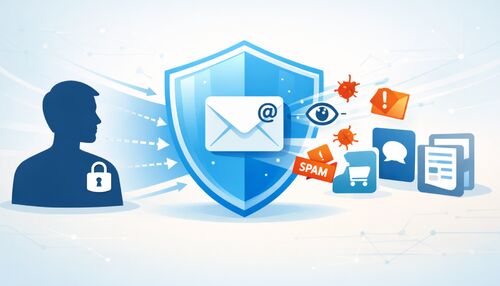
Social platforms attach your email to your account for logins, resets, alerts, and ad personalization. This 2026 hub shows how temp mail for social media keeps low-stakes sign-ups on Facebook, Instagram, TikTok, X, Discord, and more separate from your primary inbox.
Quick access
Key Takeaways
Disposable email lets you verify social accounts without handing every platform your personal inbox — and in 2026, the workflow is more practical than ever.
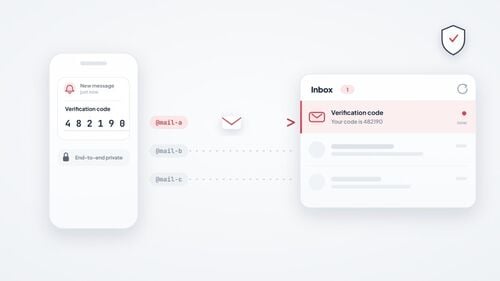
A temporary email (temp mail, disposable, or burner inbox) provides social networks with an address that meets verification requirements while keeping your primary mailbox out of the sign-up flow. You receive the sign-up code, complete registration, and reduce spam, tracking, and breach exposure tied to your real inbox.
- Temp mail for social media can work for casual or secondary sign-ups on Facebook, Instagram, TikTok, X, Discord, Reddit, and LinkedIn when the platform accepts the receiving domain and the code arrives before it expires.
- Providers with reputable MX routing, live inbox refresh, and a large domain pool are better suited for OTP flows. However, delivery still depends on the platform, sender, and selected domain.
- Save the Access Token when you need the exact address again for a password reset or re-verification weeks or months later.
- For truly one-off tasks — a promo code or a quick download — a short-lived 10 minute mail inbox that auto-expires is enough.
- Use a different disposable address per platform to isolate identities and simplify future revocation.
- Some platforms refuse disposable domains; trying another domain from a large pool can help, but a permanent email is safer for accounts you plan to keep.
- Never use disposable email for banking, government ID, or healthcare — graduate those to a permanent address you fully control.
Why Social Platforms Want Your Email
Social platforms use your email for account access, verification, password resets, alerts, and sometimes ad personalization — so a separate address matters for low-stakes accounts.
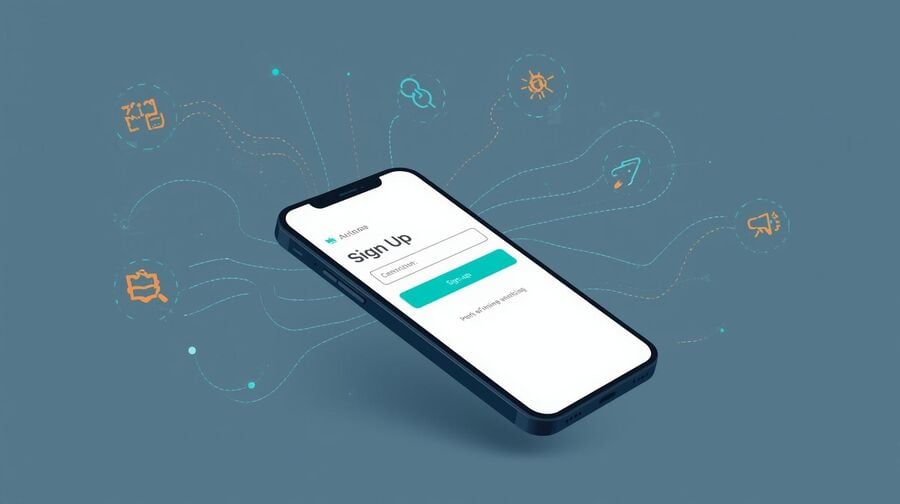
Facebook, Instagram, TikTok, X, Discord, and other platforms commonly ask for an email address, phone number, or third-party login during registration. That contact point can later be used for login verification, password resets, security alerts, and product or marketing messages, and on ad-funded networks, it can feed personalization. A disposable inbox gives you a separate address for low-stakes accounts without exposing the mailbox you use for work, banking, or personal identity.
For casual or secondary accounts, that separation is often worth it. A disposable inbox reduces the email-based link between your real-world identity and the platform's data graph. It does not hide every signal a platform may use, but it keeps your primary mailbox, purchase receipts, and other important accounts out of the registration record.
Consider a concrete example: you sign up for a new TikTok account to follow a few creators. With your personal email, that address may be matched against other accounts that used it and feed recommendation or ad-personalization systems over time. With a disposable address, you reduce that email-based connection; remember that device, phone, and account-behavior signals can still exist.
This pillar is the hub for every social sign-up scenario. It walks through the shared workflow first, then links out to platform-specific guides — from the big four social networks to community, professional, AI, and gaming platforms — so you can jump straight to the service you care about.
How Disposable Email Protects Privacy
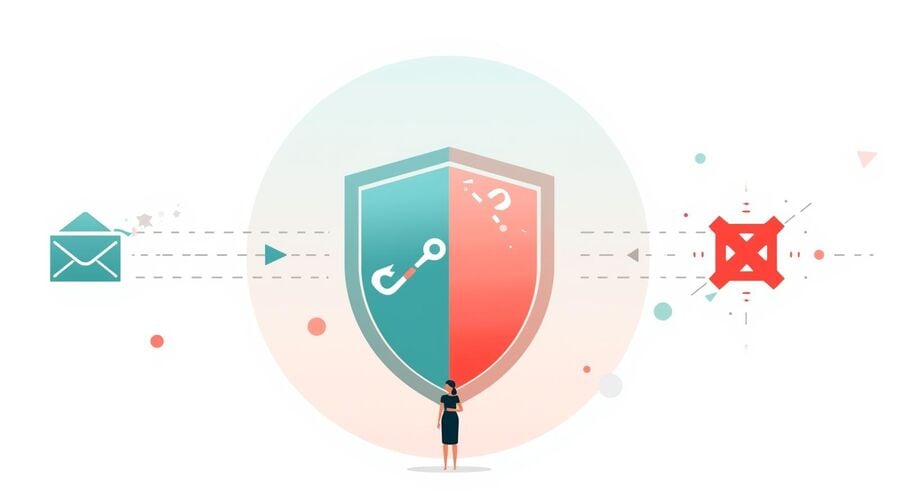
Separating your sign-up address from your primary inbox limits spam, reduces exposure to phishing attempts, and simplifies identity revocation.
Spam and notification overload disappear.
Social platforms generate a relentless stream of emails: friend suggestions, activity summaries, ad campaigns, and "we miss you" nudges. When those messages hit a disposable inbox instead of your primary one, the noise never reaches you. Your real mailbox stays reserved for communication that actually matters.
Phishing and breach exposure drop.
Data breaches expose email addresses in bulk. If your social media address is disposable, attackers cannot use that exact address to find your banking, healthcare, or work accounts. That does not make the account anonymous, but it narrows the blast radius of an email leak.
Identity compartmentalization becomes effortless.
Using a unique disposable address per platform means that compromising one account does not reveal the email tied to another. This is the same principle behind purpose-built API keys — scoped, revocable, and siloed by design. Before you commit to the habit, it helps to understand exactly how safe a temporary email is and where its privacy protection ends.
What Makes OTPs Arrive on Time
Verification codes expire fast, so the receiving infrastructure behind your disposable inbox determines whether sign-up succeeds or stalls.
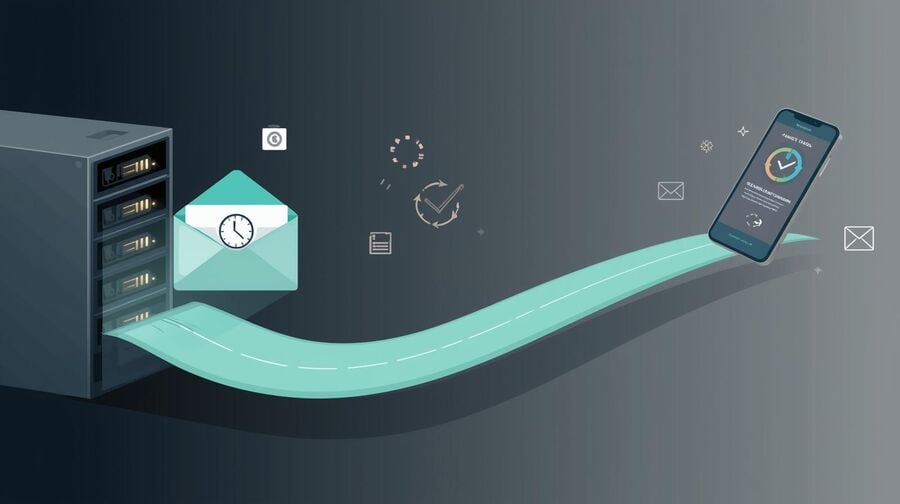
One-time passwords are usually time-sensitive and can expire within minutes. If your temp mail provider is slow, the code can arrive after it has already expired. Three infrastructure factors separate reliable OTP delivery from frustrating delays.
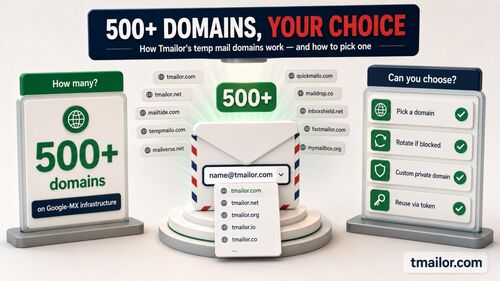
First, MX reputation matters. Services that terminate inbound mail on globally trusted networks — such as Google's mail servers — can improve routing reliability compared with weak or heavily abused infrastructure. Second, domain diversity helps. A pool of 500+ domains means that if one domain is refused, you can try another without abandoning the workflow. Third, live inbox refresh across web, mobile, and messaging clients reduces the window between delivery and retrieval.
Timing also plays a quiet role. Some sending systems apply greylisting — a deliberate short delay on the first message from an unfamiliar sender — which can push an OTP from seconds to a minute or two. That is normal, not a failure. The practical response is patience for the first code and a single resend at most; hammering the resend button usually triggers rate limits rather than a faster code.
OTP behavior differs by service, and not every code arrives on the first try. For a full breakdown of temp mail for OTP, including which platforms defer or block disposable domains, read the dedicated OTP guide before a time-sensitive sign-up.
Step-by-Step Social Sign-Up Workflow
Follow this five-step process to create a verified social account using a disposable address without risking missed codes or locked profiles.
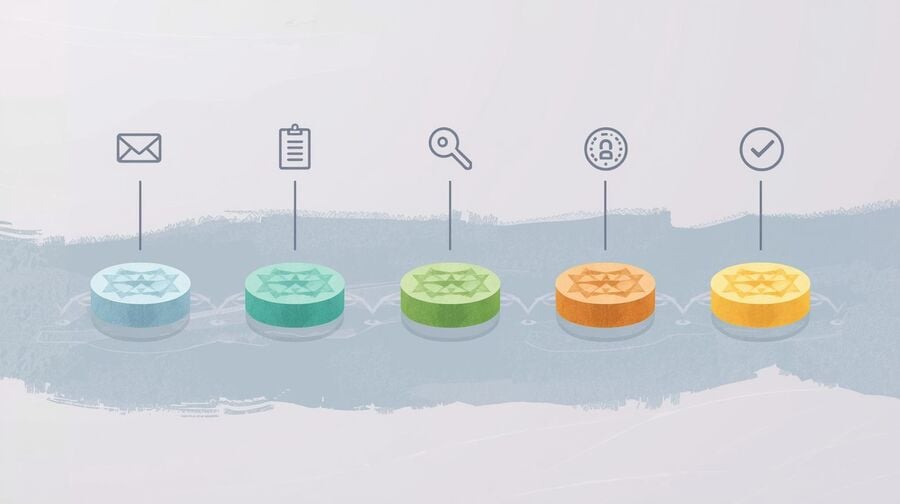
Step 1 — Generate a Fresh Disposable Inbox
Open a privacy-focused temp mail provider and copy the generated address. Choose a service with strong deliverability, support for multiple domains, and an instant inbox refresh. If you are ready to start right now, you can create a free temp mail inbox and have an address in seconds.
Step 2 — Start Account Creation on Your Chosen Platform
Paste the disposable address into the sign-up form on Facebook, Instagram, TikTok, X, or any other platform. Keep the inbox tab or app open, because verification codes are often time-sensitive.
Step 3 — Retrieve and Enter the OTP Immediately
Copy the one-time code as soon as it appears and complete the verification form. If the code seems late, request a single resend. After that, consider rotating to a different domain or address rather than triggering rate limits.
Step 4 — Decide Whether to Keep or Discard the Address
If this is a one-and-done account, you can let the inbox expire. If you need to log in again, reset a password, or re-verify, save the Access Token so you can reopen the exact address later. You can reuse the same temp address months later by entering that token.
Step 5 — Apply Platform-Specific Best Practices
Each social network packages verification differently. Some send numeric codes, some send clickable links, and some add extra recovery checks. The practical rule is the same: request the message only when your temp inbox is open, switch domains once if needed, and move to a permanent inbox for any account you plan to keep.
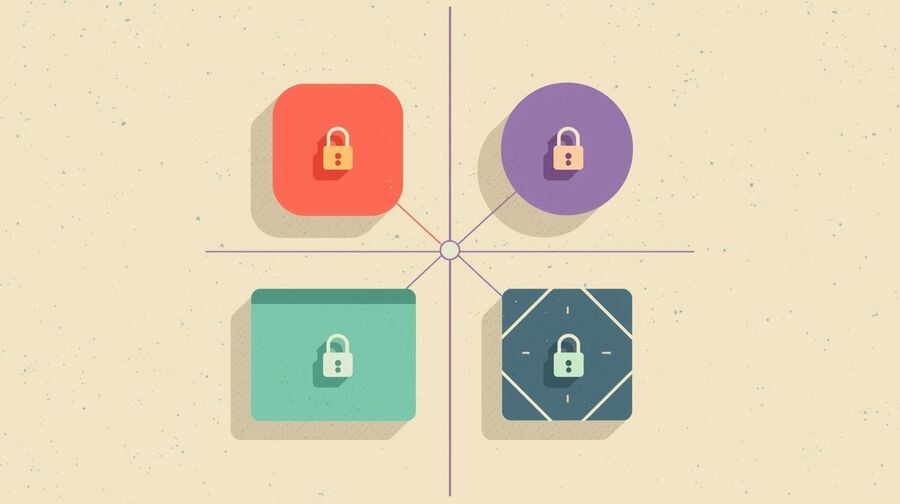
Platform-Specific Tips for the Big Four
Each social platform has unique verification quirks that affect which disposable email strategy works best for sign-up and ongoing access.
Facebook's public signup page offers an Email or phone field, so email is one documented path in. Beyond that, account checks can change. Treat temp mail as situational: keep the inbox open, switch domains once if needed, and move important accounts to a permanent inbox. For the complete walkthrough, including responsible-use notes, see the guide to Facebook sign-up guide.
Instagram signup checks can change, so do not promise that a temp inbox will work every time. Safer guidance: use a fresh address, finish verification in one sitting, and keep a permanent inbox ready for any account that matters. A detailed, step-by-step walkthrough lives in the Instagram sign-up guide.
TikTok
TikTok's public signup flow offers Use phone or email. Keep the inbox open before requesting a code, wait once, and switch domains or use a permanent inbox if the message does not arrive. The TikTok temp-mail guide covers additional edge cases and troubleshooting.
X (formerly Twitter)
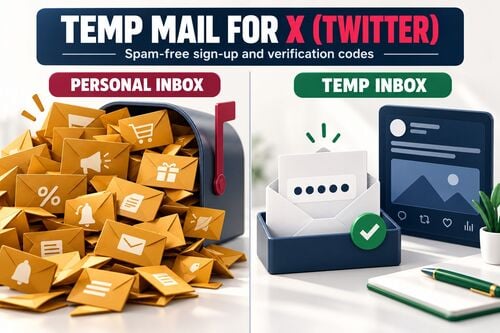
X's signup and recovery checks can change quickly. Keep the inbox open, avoid repeated retries, and treat temp mail as a temporary privacy tool rather than the permanent recovery address for any account you plan to keep. The full playbook is in the guide to temp mail for X sign-ups.
Beyond the Big Four: More Sign-Ups That Benefit
Social sign-ups extend well past the four major networks — community, professional, AI, and gaming platforms all benefit from a disposable address.
The same privacy logic applies anywhere you would rather not expose your primary inbox. Each platform below has its own verification quirks and dedicated guide, so use this section as a jumping-off point for the service you need.
Community platforms: Discord and Reddit
Discord and Reddit can both be worth a separate inbox, but their checks are not identical and can change. Discord's terms say you create an account with contact information such as an email address and/or phone number and that account verification or additional information may be required; server owners can also set membership requirements. Treat both services as situational rather than guaranteed. The walkthrough for creating a Discord account privately covers verification and reuse. For Reddit, a disposable address can keep subreddit activity separate from your main inbox; the guide to safer, throwaway Reddit accounts explains the trade-offs.
Professional and AI tools: LinkedIn, ChatGPT, and Cursor
Professional and developer platforms are a nuanced case. LinkedIn ties heavily to real identity, and its User Agreement asks you to keep one true-identity account — so this is not a place for duplicate or disposable personas. Where temp mail does fit is the inbox, not the identity: a job-search signal you would rather keep out of your employer's mailbox, or an early-stage profile you are still deciding whether to keep. Keep the profile truthful, and move it to a durable address once it matters. If a profile is meant to represent you professionally over the long term, use a durable address from the start, because losing inbox access to a network built on your reputation is far more disruptive than losing a casual social login. The LinkedIn sign-up guide explains where the line sits. For AI services, a temp address keeps trial usage private — see the guide to temp mail for ChatGPT, and the same clean sign-up approach works for developer tools like Cursor when you want to keep early experiments off your main inbox.
Gaming accounts
Gaming platforms often use email during account creation or verification, but the exact recovery and messaging flow varies by service. A disposable inbox can be fine for a low-stakes test account, but move any account tied to purchases, subscriptions, or a real game library to a durable inbox you control. Save the Access Token if you need to reopen the same temporary address later.
How Many Disposable Addresses Should You Use?
One address per platform is the safest default, but the right number depends on how many accounts you manage and how much correlation you want to avoid.
Use a separate disposable address for each social platform whenever practical. A unique address per network means that a breach or data-sharing event on one platform does not expose the same mailbox elsewhere, and it lets you retire a single identity without affecting the rest. This is the same compartmentalization principle that security teams apply to passwords and API keys.
There is a middle ground for lighter users. If you are creating two or three low-stakes accounts you never intend to keep, a single short-lived inbox can handle them all, because it expires under the provider's stated timer and leaves less long-term mailbox history to correlate. Reserve the one-address-per-platform discipline for accounts you plan to revisit — those are the ones where a saved Access Token and a clean, dedicated inbox pay off. Whatever you choose, record which address maps to which account in a password manager so you can reopen the right inbox when a reset code arrives.
Reuse vs. Discard: Choosing the Right Lifespan
Not every social account deserves the same email strategy — matching inbox lifespan to account importance prevents both clutter and lockouts.
The choice between a reusable and a throwaway inbox depends on how long you plan to keep the social account active.
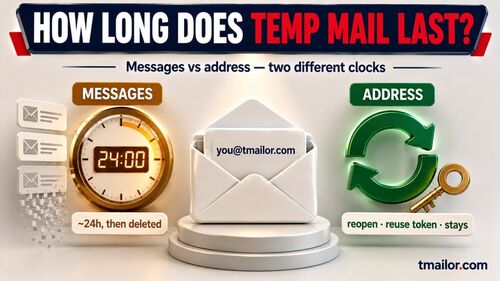
A reusable address with a saved Access Token is the right fit for accounts you might revisit — community profiles, mid-term trials, or accounts tied to a side project. You can reopen the inbox weeks or months later to receive a password reset code or a re-verification prompt. Note that individual messages are cleared after about 24 hours, but the address itself stays reachable as long as you keep the token.
A short-lived inbox — a 10 minute mail-style address — is ideal for genuinely one-off tasks: downloading a freebie, grabbing a promo code, or testing a platform you may never return to. It auto-expires, leaving no residual inbox to manage.
Which Email Strategy Fits Social Sign-Ups
This side-by-side comparison helps you match your sign-up scenario to the email approach that balances privacy, reliability, and long-term access.
| Criterion | Disposable Temp Mail (Reusable via Token) | Short-Life Temp (10-Minute Style) | Primary Email or Alias |
|---|---|---|---|
| Privacy and separation | High — not tied to personal mailbox | High for brief use; identity retired quickly | Moderate — linked to your main account |
| OTP reliability | Strong when the provider uses trusted infrastructure | Good for quick codes; risky if the code is delayed | Good; depends on provider and filters |
| Long-term continuity | Yes — reopen the same address via token | No — mailbox expires permanently | Yes — your permanent mailbox |
| Inbox clutter | Low — a separate space you can retire | Very low — disappears on its own | High — requires filters and cleanup |
| Best use case | Mid-term trials, community accounts, side projects | One-off downloads, short promotions | Primary profiles tied to your identity |
| Setup time | Seconds | Seconds | None (already set up) |
| Cross-platform correlation risk | Low — use different addresses per network | Very low — short-lived and siloed | Higher — everything maps back to you |
What to Do When a Platform Blocks Your Domain
Some services filter disposable domains at sign-up, but a few adjustments can help you troubleshoot without immediately exposing your primary inbox.
If a platform rejects your address or the code never arrives, the domain may be the reason. Switch to a different domain from the provider's pool — services offering 500+ domains give you alternatives when one domain is refused. Complete verification in a single sitting, and avoid requesting multiple resends, which can trigger account-security limits.
Blocking is not random; it varies by platform and changes over time. To see which services generally accept disposable addresses and which ones tend to reject them, consult the reference on sites that block temp mail and plan your approach before you start.
Safety Boundaries Worth Respecting
Disposable email is powerful for casual and secondary accounts, but certain high-stakes services demand a permanent address you control.
Temporary email works beautifully for social sign-ups, free trials, newsletters, and low-risk verifications. It is not the right choice for banking, government portals, healthcare accounts, or any service where losing access to your inbox could cost you money, legal standing, or medical records. Use temp mail to protect your privacy on optional accounts — not to skip identity checks that a service legitimately requires.
If a social account evolves from casual to core — you start running ads, building an audience, or using it for business — migrate the registered email to a durable address. The disposable inbox served its purpose during the low-stakes phase; graduating to a permanent mailbox protects the value you have built.
The Bottom Line
Disposable email turns social sign-ups from a privacy liability into a more controlled, reversible action.
Creating a social account should not require surrendering a personal email address to years of spam, tracking, and phishing risk. A disposable temporary inbox lets you verify your identity, grab the OTP, and walk away with a clean profile — while your real mailbox stays untouched. When the account is worth keeping, save the Access Token so you can reopen the same address for future resets; when it is not, let the inbox expire and move on. Match the inbox to the account, respect the platforms' rules, and privacy-conscious sign-ups become the easy default.
Frequently Asked Questions
Will I miss verification codes if I use temp mail for social sign-ups?
Usually not, if you use a provider with strong inbound infrastructure and keep the inbox open before requesting the code. Copy the code immediately when it arrives, and request at most one resend before switching to a different domain. Reputable MX routing and a large domain pool can improve the odds, but no provider can guarantee every Facebook, Instagram, TikTok, or X code.
Can I reuse the same disposable address for a password reset months later?
Yes, if your provider supports token-based reuse. Save the Access Token when you first create the address, then enter it later to reopen the identical inbox and receive a fresh reset code. Old messages are cleared after about 24 hours, but the address itself remains available as long as you have the token.
How long do messages stay in a disposable inbox?
It depends entirely on the provider — retention is not a property of temp mail as a category. Tmailor keeps messages visible for about 24 hours from arrival. Other services state their own windows, so check the one you are using rather than assuming a delayed code will still be waiting for you.
Which social platforms accept disposable email addresses?
Disposable email can work on many consumer platforms, especially for low-stakes sign-ups, but acceptance varies by platform, domain, and account-verification flow, and it can change without warning. Some services also ask for a phone number or other recovery checks that temp mail cannot satisfy. If one address is refused, try another domain — and use a permanent email for any account you plan to keep.
Should I use the same disposable address for Facebook and Instagram?
It is better to use a different address for each platform. Identity compartmentalization limits the damage if one account is compromised or if a platform shares data across its ecosystem. Generating a new address takes seconds, so the extra effort is negligible.
What if the platform blocks my disposable domain?
Switch to a different domain from the provider's pool. Services offering 500+ domains give you alternatives when one domain is refused, but acceptance is never guaranteed. Complete verification in one sitting, and use a permanent email if the account is important or the platform keeps rejecting disposable domains.
Can I access my disposable inbox from a phone or Telegram?
With Tmailor, yes — it works on the web and has Android and iOS apps plus a Telegram bot, so you can watch the inbox on whichever device you are signing up from. Other providers differ, so check what your provider actually offers rather than assuming the whole category works this way.
Is disposable email safe for my main social-media profile?
For a primary profile you plan to use long-term — especially for business, advertising, or public identity — a permanent email you fully control is safer. Disposable email excels for secondary, testing, or privacy-first accounts. If a disposable-linked account becomes important, migrate the registered email to a durable address.
What happens if I lose my Access Token and forget my social password?
Without the token, you cannot reopen the disposable inbox to receive a reset code, and an administrator cannot recover the token. Recovery then narrows to device-based prompts, in-app identity verification, or trusted contacts. To avoid this, store Access Tokens in a password manager alongside your account credentials.
Do disposable email services comply with privacy regulations?
Check the provider's privacy policy before relying on it. Tmailor uses a receive-only model with automatic message deletion after about 24 hours and no registration, but GDPR and CCPA rights depend on the provider, your location, and the specific data processing involved.
Does using temp mail for a social account break the platform's terms of service?
Platform rules vary, so check the terms for the service you are using. Many platforms focus their enforcement on fake identities, spam, automation, and account manipulation rather than the email provider alone. Using temp mail to keep one genuine account out of your primary inbox is a privacy choice. Keep it to one address per signup, and keep each account truthful and within the platform's rules.
Can I send emails from a disposable inbox?
Not with Tmailor: it is receive-only, so it cannot send or reply, and inbound attachments are stripped. Other temp mail services behave differently — a few can compose outbound mail — so treat sending as a provider-specific feature rather than a property of temp mail in general.

Marcus Lee writes Tmailor's step-by-step guides — signing up to apps and platforms with temp mail, using the mobile app and Telegram bot, custom domains, reusing addresses, and getting the most out of disposable email day to day.