Create a Facebook Account with a Temporary Email — What to Know
Temp mail for Facebook works for the signup verification code, but acceptance is inconsistent and a temp inbox is risky for an account you must keep. Here is how to do it right, what to do if the address is refused, and when to use your real email instead.
Quick access
Key Takeaways
What temp mail for Facebook can and can't do, in one screen.
- You can sign up for Facebook (FB) with a temporary email (temp mail) address when the address is accepted, and the verification code lands in the disposable inbox.
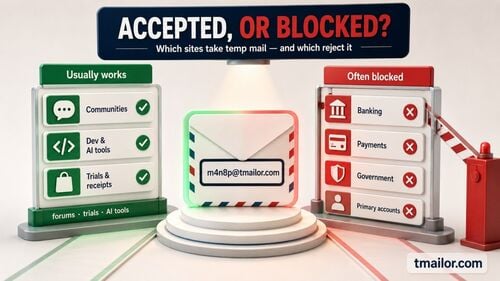
- Temp mail for Facebook is inconsistent: a disposable address can be accepted for one signup and refused for another, so it is not a guaranteed method. For a low-stakes signup where disposable email is allowed, trying another Tmailor domain may help.
- tmailor.com gives random, reusable addresses (save the Access Token) across 500+ domains on Google-MX infrastructure, so you have another address to try if one is refused.
- Messages auto-delete after about 24 hours, so a temp address is risky for your main Facebook account — recovery emails can be lost.
- Best for a private, low-stakes signup or testing where Facebook allows it; use a real email for any account you must keep.
- Temp mail is a privacy tool — always follow Facebook's terms and do not use it to get around account rules.
Does temp mail work for Facebook?
Often, for the signup code — but it depends on the domain.
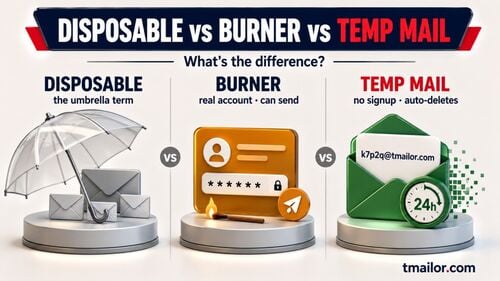
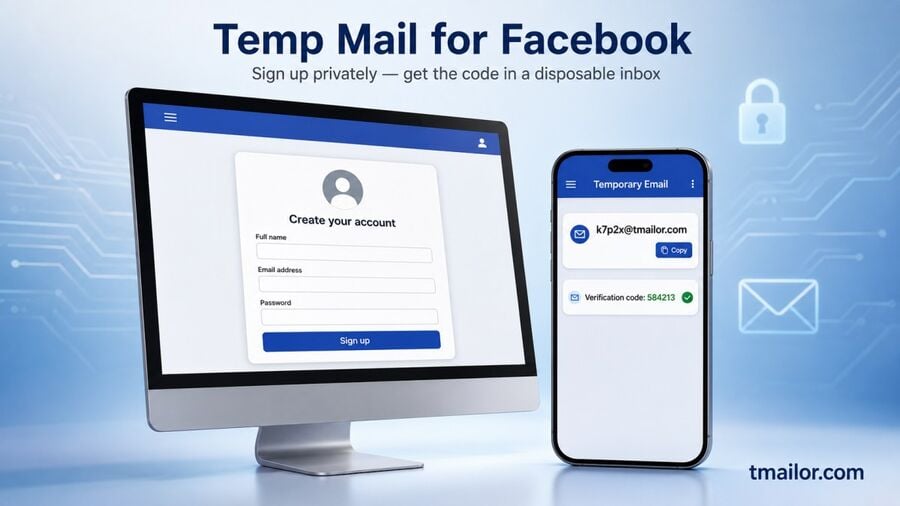
Temp mail works for Facebook when the signup form accepts the address: you paste the temporary address into the form, and Facebook's verification code arrives in the temp inbox. Acceptance is inconsistent, so a temporary email for Facebook is not guaranteed — one address may be refused while another is accepted. You may also see this called a "temp FB account", a "temporary FB account", or a throwaway "FB ID" — all the same idea: a Facebook signup verified through a disposable email instead of your personal one.
So the honest answer to "does temp mail work for Facebook" is: often for the signup and its verification code, but not always, and not for every account type. If the address is refused at the form or the code never arrives, the fix is to try a different Tmailor domain, or use a permanent email you control — the same pattern explained in this guide to why verification codes don't arrive. Drawing from a larger pool of domains helps, too, which is the point of domain rotation.
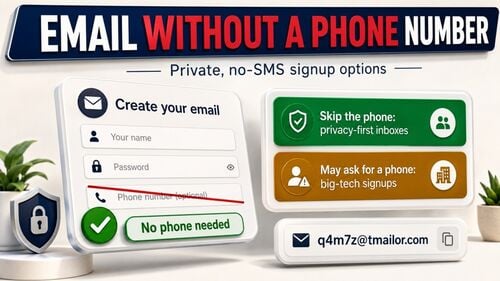
One reality check: temp mail only covers the email inbox step. If the email path keeps failing, Facebook's own help for email-signup problems says you can try creating the account with a mobile phone number instead of an email. A temporary inbox does not change Facebook's account rules or its recovery requirements.
Why use a temporary email for Facebook?
Mainly to keep your real inbox private and spam-free.
A temporary email for Facebook is a privacy tool: it keeps your personal address out of a low-stakes signup, keeps the follow-up notifications out of your main inbox, and gives you an address you can walk away from. It is a poor choice for a main Facebook account you expect to keep or recover later, because the inbox is short-lived.
People reach for a temporary email for Facebook — a burner address for a single signup — to keep their primary address out of Facebook's database and away from the marketing, notifications, and breach exposure that follow it. The disposable address receives the one-time verification code, you complete the signup, and your real inbox stays clean. None of this requires sharing a personal email or creating a permanent account you may not want.
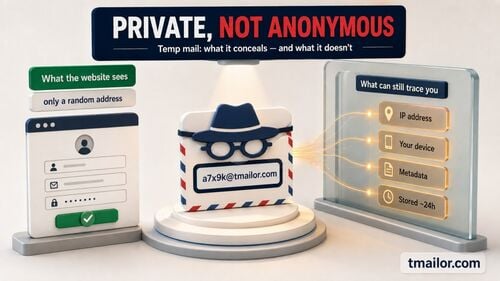
- Privacy on signup: Facebook never receives your real email, so your identity stays separate from a low-stakes account. For the full picture of how private this really is, see whether temp mail is anonymous.
- No spam in your main inbox: promotions and notifications land in a throwaway address that auto-deletes, not your everyday mailbox.
- Testing and short-term use: a temporary email is handy for trying out Facebook features or for a short-lived signup when the platform allows it.
What temp mail is not for: getting around Facebook's account rules. Facebook permits one personal account per person, and a disposable address does not change that — treat temp mail as a privacy layer for a signup you are allowed to make, and read the safety section below before relying on it.
How to create a Facebook account with a temporary email
Four steps, from a fresh temp address to a verified signup.
For Facebook registration, the temporary email is used only for the email verification step: you receive the code, confirm the address, and then decide whether to keep this account in a disposable inbox.
Step 1: Get a temporary email address
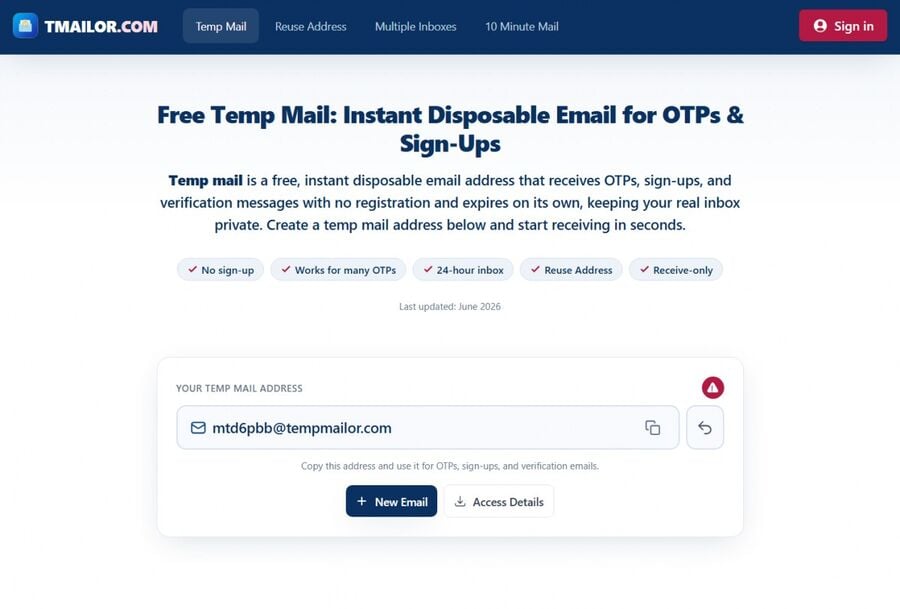
First, you need a temporary email address. Open the free temp mail generator at tmailor.com, and a random, disposable address is created automatically on the homepage. Copy it for the next step. If you may want to return to this inbox later, back up the Access Token first — it is the key that reopens the same address.
Step 2: Open the Facebook signup page
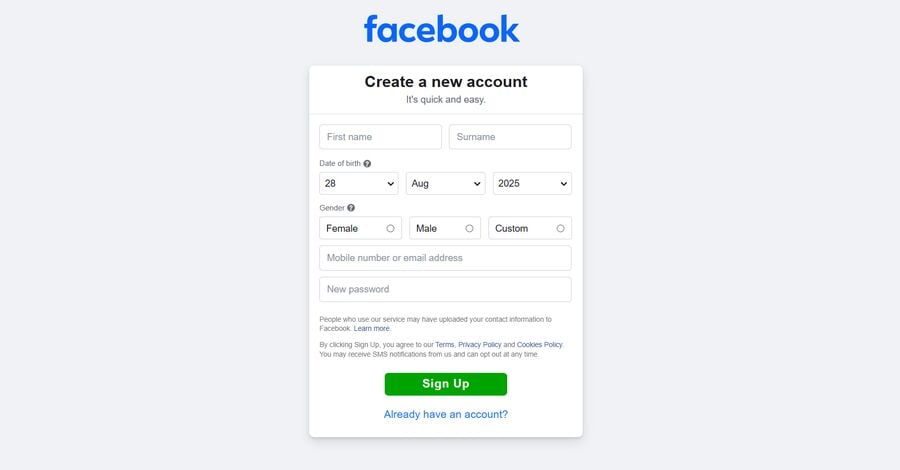
Go to Facebook's registration page at facebook.com and fill in the details Facebook asks for — name, password, and date of birth. In the email field, paste the temporary address you copied from tmailor.com, then click Continue.
Step 3: Confirm the code from your temp inbox
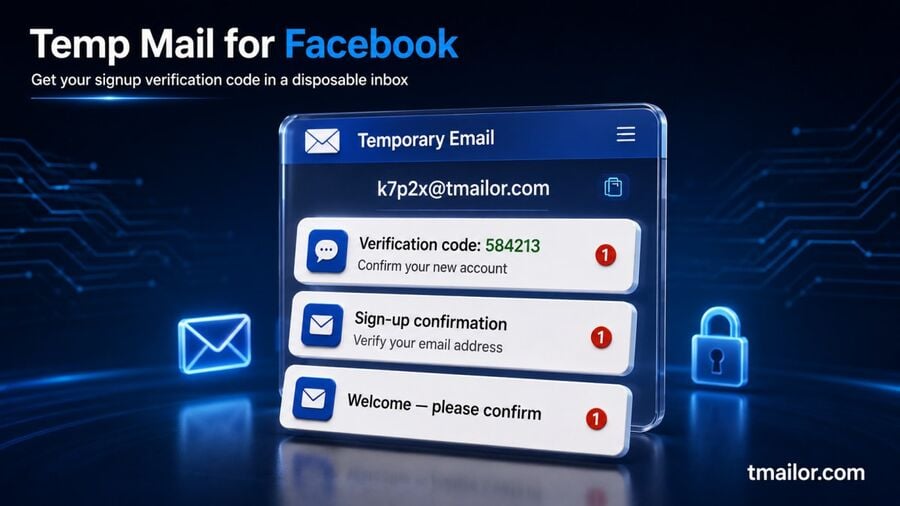
Facebook sends a confirmation code and activation link to the address you entered. Return to your tmailor.com inbox, open the message from Facebook, and use the code or link to verify the address. If the message does not show up, note that Tmailor has no spam folder to check — everything that arrives is already in view — so the practical next steps are to create a new address on a different Tmailor domain, or switch to a permanent email you control. Facebook's help for email-signup problems also says you can try creating the account with a mobile phone number instead of an email.
Step 4: Finish and (optionally) save your Access Token
Once the code is verified, Facebook completes the signup, and you have an account that is not tied to your personal email. If you plan to keep the account, add and confirm a permanent email you control as soon as Facebook lets you — that is the single action that protects your recovery path. If you may still need this temp inbox later, save your Access Token so you can reopen the same address — because tmailor.com cannot regenerate a lost Access Token.
Which temp mail is best for Facebook?
The most reliable option is a reusable, multi-domain service.
For a Facebook signup, the useful temp mail traits are address reuse, multiple domains, and a simple way to reopen the same inbox later. tmailor.com offers 500+ domains, Google-MX infrastructure for inbound mail, and an Access Token that reopens the same address. What that buys you is concrete: if one address is refused, you have another to try, and you can come back to the inbox you used.
Disclosure: Tmailor runs this blog, so this section describes our own product rather than a lab-tested comparison of every temp mail provider.
Limitations: tmailor.com is receive-only (it cannot send email, and inbound attachments are stripped, so you cannot receive files), messages stay visible for about 24 hours from arrival, the inbox has no spam folder or custom filters, and a lost Access Token cannot be recovered. For a Facebook account you expect to keep or recover later, a permanent email is safer.
If by "strong email" you mean an address less likely to be rejected, the useful signals are domain variety, reliable inbound delivery, and the ability to reopen the same inbox later. If you mean the safest email for a main Facebook profile, use a permanent address you control.
If you are signing up on a phone, tmailor.com also works through the web inbox and on Android, iOS, and the Telegram bot, so you can copy the Facebook code on the same device instead of switching to a desktop tab.
Still, no disposable address is the "best email" for an account you truly depend on. If your Facebook profile matters in the long term, a permanent mailbox you control (such as Gmail) is a safer place for password resets and security alerts. Temp mail shines for the private, low-stakes signup; your real email wins for the account you cannot afford to lose.
The real risk: losing access to your Facebook account
A temp inbox is short-lived, and so is the recovery path it offers.
The real risk is not the signup — it is the recovery later. Messages in a temp inbox stay visible for about 24 hours, so a password reset or security alert sent months from now can be gone before you read it. If you lose the Access Token as well, the address cannot be reopened, and the account can become unrecoverable.
The biggest risk of using a temporary email for Facebook is recovery. Messages in a temp inbox auto-delete after about 24 hours, so a password-reset or "confirm it's you" email that arrives later may already be gone. If you also lose the Access Token, the address — and any account that depends on it — can become unreachable. This is exactly why Facebook recovery risks with temp mail, and why a disposable address is a poor fit for a main profile that needs dependable, long-term recovery.
You can use temp mail for Facebook responsibly.
Privacy, yes; bending the platform's rules, no.
Temp mail is built for privacy on signups you are allowed to make, not for working around Facebook's enforcement. Keep these in mind:
- Follow Facebook's terms. Facebook allows one personal account per person and uses Pages and Business tools for brands. Do not use temp mail to create accounts that a platform prohibits; doing so risks being locked out and permanent loss of access.
- Don't use it for anything you must recover. For an account tied to your identity, payments, or long-term use, sign up with a permanent email you control.
- Never use it to impersonate or deceive. A disposable address is a privacy convenience, not a tool for fake identities, and it is not a substitute for honest, rule-abiding use of the platform.
Used this way — a clean, private inbox for a permitted signup — temp mail for Facebook is a sensible privacy choice. The same approach works across other platforms covered in this overview of temp mail for social signups.
Frequently Asked Questions
Does temp mail work for Facebook?
Often, for the signup and its verification code. Acceptance is inconsistent, though, so a temporary email address can be refused at the form. If one address is refused and the signup permits disposable email, try a new one on a different Tmailor domain. If Facebook requires a permanent address, use a real email instead.
What is the best temp mail for Facebook?
A reusable, multi-domain service. tmailor.com offers 500+ domains and Google MX inbound delivery, so you always have another address to try if one is refused, plus an Access Token to reopen the same inbox. For an account you must keep long-term, a permanent email is still safer.
Why is my temp mail blocked on Facebook?
Many sites filter disposable domains to cut spam and fake signups, and when that happens the address is simply refused at the form — Facebook does not publish which domains it accepts. For a low-stakes signup where disposable email is allowed, switching to a different tmailor.com domain may help. If a permanent address is required, use a real email.
Can I receive Facebook OTP or verification codes with Tmailor?
Yes. Once the address is accepted, Facebook's confirmation code and activation link arrive in your tmailor.com inbox, so you can verify the account from there. Keep the inbox open so you see the message as it lands.
Can Temp Mail skip Facebook phone verification?
No. Temp mail only handles the email inbox step. If the email path does not work, Facebook's help says you can try creating the account with a mobile phone number instead of an email — and a temporary inbox cannot replace that path.
Can I reuse the same Tmailor address for Facebook later?
Yes, if you save your Access Token at creation. The token lets you reopen the same inbox, which sets tmailor.com apart from one-time disposable services. Remember that messages older than about 24 hours are already deleted.
Should I use a temporary email for my main Facebook account?
No. Because the inbox auto-deletes after about 24 hours, a later password reset or security alert can be lost, and a missing token can lock you out. You can use a permanent email you control for any Facebook account you intend to keep.
Is it safe and allowed to use Temp Mail with Facebook?
Using a temporary email for a signup you are permitted to make is a normal privacy choice. What is not allowed is using it to create accounts that Facebook prohibits or to impersonate others. tmailor.com is receive-only and cannot send email, which keeps the service stable and privacy-focused.
What other services can I use Tmailor with?
Instagram, X (Twitter), Reddit, newsletters, forums, and other low-risk signups you are allowed to make. For platform-specific limits and recovery risks, see the overview of temp mail for social signups.
The Bottom Line
Temp mail for Facebook can work for the email-verification step when the address is accepted, and it keeps your personal inbox out of a low-stakes signup. A reusable, multi-domain service like tmailor.com means you always have another address to try if one is refused. The tradeoff is recovery — messages disappear after about 24 hours, so use a permanent email for any account you need to keep, and always sign up in line with Facebook's rules. When you need a quick, private address, create a temp mail address and save the Access Token in case you might return to it.

Marcus Lee writes Tmailor's step-by-step guides — signing up to apps and platforms with temp mail, using the mobile app and Telegram bot, custom domains, reusing addresses, and getting the most out of disposable email day to day.