Create Multiple Instagram Accounts Using Temporary Email Addresses
Instagram supports multiple accounts and ships an account switcher, so keeping a personal profile separate from a business page or a hobby project is a normal, supported thing to do. Each account needs its own email address, which is where the question of temporary email comes up. This guide covers what a temp address is genuinely good for here — the first verification email, without handing your primary inbox to a platform — and, just as importantly, where it stops being the right tool. Any Instagram account you intend to keep needs a permanent email address you control, because that is where the password reset goes.
Quick access
Instagram accounts are tied to an email address, and in practice people find they need a separate address for each profile they want to keep separate. So if you want a personal profile and a separate one for your shop, your photography, or a side project, you need more than one address — and most people would rather not create a new Gmail account for each.
A temporary address solves exactly one part of that: it receives the signup verification without your primary inbox being handed over. It does not solve the rest, and this guide is honest about which is which. The short version: use a temp address to open an account you are trying out; move any account you decide to keep onto a real email address you control.
Before registering an Instagram account, you must understand Temp Mail.
Temp mail is a disposable inbox you can open in seconds with no registration and no personal details. It receives mail; it does not send it. On Tmailor, messages stay visible for about 24 hours from arrival, and every inbound attachment is stripped, so you can never open a file sent to the address.
One thing is widely misunderstood, and it matters here. A Tmailor address is not necessarily gone forever: if you save its Access Token, you can reopen that same inbox later. But be clear about what the token is — a recovery key, not a password. It does not lock the inbox or make it private, and if you lose it, nobody can give it back to you, including us.
If you want the same walkthrough for a different platform, see the same guide for Facebook.
Benefits of using temp mail when creating multiple Instagram accounts
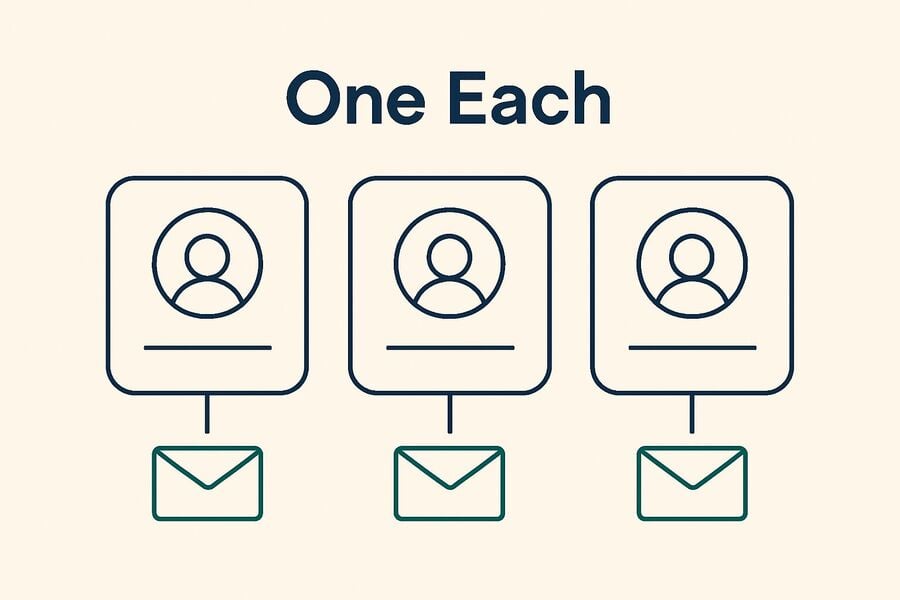
The benefit is separation, not volume. Each profile you keep genuinely separate — personal, business, hobby — gets its own signup inbox, so nothing about one account leaks into the mailbox that holds the others. What temp mail is not is a way to produce accounts at scale, and it will not help you do anything Instagram has decided it does not want.
- Privacy at signup. Your real address never reaches the platform, so it cannot be leaked from there, matched against other breaches, or added to a marketing list.
- No inbox clutter. The promotional mail that follows any new social account lands somewhere you are not going to look at again.
- No setup cost. An address takes one click. You are not creating and then maintaining a second Gmail account just to hold one signup.
- Clean separation. A hobby profile and a business profile are genuinely unconnected if their signup addresses are unconnected.
About tmailor.com's free temporary email service:
Tmailor gives you a temporary address instantly, free, with no account and no personal information. It is a receive-only inbox built for verification emails and short-term signups, and it is honest about being nothing more than that.
What Tmailor does, and what it does not do
- Receive-only. Tmailor cannot send or reply to email. If Instagram support ever needs a reply from you at that address, you will not be able to give one.
- No attachments. Every inbound file is stripped. You cannot download anything sent to the address.
- About 24 hours of visibility. Messages are shown for roughly a day from arrival, then they age out. Read the code when it lands, not tomorrow.
- No spam folder, no filters. Every inbound message is displayed exactly as it arrives. If a verification email is not on the screen, it did not arrive — there is nowhere else for it to be.
- The Access Token reopens an address. Save it, and you can get back into that inbox later. Lose it, and the address is gone permanently; there is no reset, no support recovery, nothing.
Those limits are the whole reason it is safe to hand a Tmailor address to a platform you are only trying out — and the whole reason it is the wrong home for an account you care about.
Why you need to create multiple Instagram accounts
Instagram documents support for multiple accounts and provides an in-app account switcher, so running more than one profile is a supported use of the product rather than a workaround. The legitimate reasons are the ordinary ones.
Diversify content and topics.
A single feed forces one voice. Splitting it lets each profile be coherent: everyday life in one place, photography or design work in another, a business or brand in a third. Followers of one are not made to sit through the others.
For business, marketing, or personalization purposes
If you sell something, keeping the shop separate from your personal profile is simply good practice: the business account can carry products, hours, and contact details without any of that being attached to your private life. This is about keeping two identities distinct — it is not about running a fleet of accounts to amplify anything, which is the fastest way to lose all of them.
Security reasons, not wanting to use personal email
Every address you hand to a platform is one more place your primary inbox can leak from. Using a separate address per profile means a breach or a spam blast at one never touches the others, and none of them touches the address that holds your password resets and your banking.
How to Use Temp Mail to Create Multiple Instagram Accounts
The workflow below is for opening an account you are trying out. If you already know you will keep the profile, skip it and use a real address from the start — that is genuinely the faster path, because it saves you migrating later.
Step 1: Open a temporary inbox
Go to Tmailor's free temp mail service. An address is generated for you immediately; there is nothing to fill in. If you think you may want this inbox again, save the Access Token now — not later.
Step 2: Sign up on Instagram with that address
Open Instagram, start a new signup, and paste the temporary address into the email field. Fill in the rest of the details honestly. Instagram publishes its own terms and community guidelines, and those — not this page — are what govern the account.
Step 3: Read the verification email
Go back to the Tmailor tab. The verification message appears in the inbox — there is no spam folder to check, because there isn't one. Take the code or click the link while it is in front of you.
Step 4: Decide whether this is a keeper
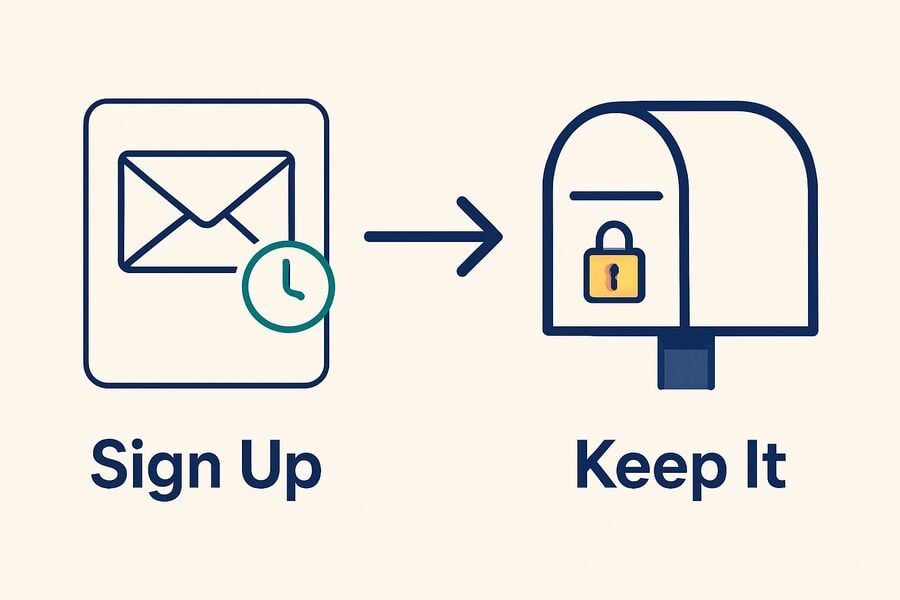
This is the step the old version of this guide skipped, and it is the one that costs people accounts. If the profile is one you intend to keep — you will post to it, build a following, or run a shop from it — change the account's email to a permanent address you control, now, while you still have access to both. An Instagram account whose email is an inbox you no longer hold is an account you cannot recover.
Step 5: Repeat only where it is genuinely a separate profile
If you need a second distinct profile, repeat the process with a fresh address. What this is not is a loop for producing accounts in bulk: that is what Instagram's enforcement exists to stop, and doing it will cost you every account involved.
Important notes when using tmailor.com and Instagram
- The Access Token is a recovery key, not a password. It reopens the address; it does not protect it. Anyone who knows the address can read the inbox. Save the token somewhere durable — if it is lost, the address cannot be recovered by anyone.
- A temp inbox is a bad recovery address. Instagram sends password resets and security alerts to the email on the account. If that inbox has aged out or you have lost its token, those messages have nowhere to go, and neither you nor Instagram can fix it.
- If Instagram rejects the address, do not go hunting for one that works. A single domain sitting on a blocklist is one thing, and a fresh random address may simply go through. But if the platform is declining disposable email as a matter of policy, that is a decision it has made — use a real address rather than cycling until something slips past.
Warnings and notes when using multiple Instagram accounts
What actually gets multiple accounts locked
Instagram runs automated systems to detect activity it considers inauthentic, and its published policies are explicit that accounts created or used to mislead, spam, or manipulate engagement are subject to removal. The exact signals are not published — that is the point of them — so treat any list you read online, including specifics about devices or IP addresses, as guesswork rather than fact.
What is safe to say is the principle: enforcement follows what the accounts do. A handful of genuinely separate, honestly run profiles is an ordinary use of a feature Instagram ships on purpose. Accounts built to inflate numbers or evade a previous ban are not, and no email address makes them acceptable.
Instagram's rules on account use
Read Instagram's own terms and community guidelines rather than a third-party summary of them — including this one. They are the only source that binds, and they change. The durable rule of thumb is simple: if you would not be comfortable explaining to Instagram why you have these accounts, that is your answer.
Conclusion
Summary of the benefits of using temp mail to create multiple Instagram accounts
A temporary address does one job well here: it takes the signup verification for a profile you are trying out, so a platform you have not committed to never gets your primary inbox. That is a real privacy gain and it costs nothing.
The importance of complying with Instagram's regulations
It does not do anything else. It will not get you past a platform that has decided it does not want disposable email, it will not make a bulk-account operation acceptable, and it will not survive contact with a password reset six months from now.
Use temp mail smartly.
So use it for the moment of signup, and then get out of the way of your own future self: the moment a profile becomes one you would be upset to lose, move it to a permanent email address you control. That single habit is the difference between a useful tool and a locked-out account.
FAQs – Frequently Asked Questions
Are temporary emails safe?
They are safe enough for a signup verification and offer a genuine privacy gain there because your real address never reaches the platform. But a temp inbox is not private — anyone who knows the address can read it — and it is not durable. Do not put anything on it that you would mind losing, and do not leave an account you care about depending on it.
Can Instagram lock my account if I use temp mail?
Instagram's published policies target what accounts do — spam, engagement manipulation, evading an earlier enforcement action. The signals it uses are not published, so nobody outside the company can tell you exactly what trips them, and you should be wary of anyone who claims otherwise. The risk that is entirely predictable is the quiet one: if the account's email is an inbox you no longer hold, you cannot complete a password reset, and the account is effectively lost.
How does temp mail work?
You are given an address instantly, with no registration, and it receives mail without you ever creating an account. The specifics differ by provider, so check the one you use. On Tmailor: every inbound message is displayed, because there is no spam folder and no filter; the inbox cannot send or reply, and it cannot receive files, because inbound attachments are stripped; messages stay visible for about 24 hours from arrival; and saving the Access Token lets you reopen the same address later.
What temporary email service is best for creating an Instagram account?
The more useful question is not which service is "best" but whether you can get the address back later, because providers differ on that and it is what bites you. Tmailor offers an Access Token that reopens an inbox later. Whether a given alternative has an equivalent is something to check in that provider's own documentation rather than in a third-party list — including this one. This blog is published by Tmailor, so weigh the recommendation accordingly — and our own advice is still to move a keeper account onto a real address. For a comparison by use case, see temp mail alternatives by need.
Use a temporary address for the profile you are still deciding about. Use a real one for the profile you have decided to keep. That is the whole of it.

Marcus Lee writes Tmailor's step-by-step guides — signing up to apps and platforms with temp mail, using the mobile app and Telegram bot, custom domains, reusing addresses, and getting the most out of disposable email day to day.