Tmailor
 Temp Mail and Security: Why Use Temporary Email on Untrusted Websites
Not every website deserves your real email address. Sketchy download pages, obscure forums, one-time tools, and aggressive lead-gen sites all demand an email before they'll let you in — and many of them sell or leak that address within days. A temporary email acts as a firewall between these untrusted sites and your real identity. This guide explains the specific security risks of giving your real email to unknown websites — from phishing and credential stuffing to data broker resale — and how a disposable address neutralizes each one, without sacrificing the access you need.
Quick access
What a temporary email protects you from
A temporary email protects you on an untrusted website by absorbing the consequences that would otherwise land in your real inbox. The site still gets a working address and can still send you the confirmation link you need — but if it later sells that address, leaks it in a breach, or hands it to a spam network, the damage stops at an inbox you are about to abandon.
The concept of online security
You hand over an email address dozens of times a year: to read one gated PDF, to download one tool, to post once on a forum, to claim one discount. Most of those sites you will never visit again. All of them keep the address.
That address is not a neutral identifier. It is the key to your password resets; it is the handle that links your accounts to one another across breach databases; and it is the target that phishing campaigns aim at. A single leaked address can lead to spam you cannot switch off, phishing that impersonates your bank, and account linking you never consented to.
Using a free temp mail service for those throwaway sign-ups keeps the address you actually depend on out of the transaction entirely.
Temp Mail Concept
Temp Mail — a temporary or disposable email — is an inbox you can open in seconds without registering and without giving up any personal details. You use the address once, read whatever the site sends you, and walk away. On Tmailor, messages stay visible for about 24 hours from arrival, so the address is designed for the task in front of you, not for anything you will need next year.
Because there is no account behind it and no profile to build on, a temp address gives a site far less to work with than a Gmail or Outlook address does. If you want the longer background, see the complete guide to temporary email.
Why untrustworthy websites are a threat
Untrusted websites turn one email address into a long tail of risk. Spam, phishing, cross-site account linking, and resale to data brokers can all continue for years after a single throwaway sign-up, because the address outlives your interest in the site. A temporary address contains that fallout instead of routing it into the inbox that holds your password resets.
Risks from disclosure of personal information
Sites with no clear privacy policy still ask for an email to register or verify you. Give them your primary address, and you have no way to take it back. It can be sold or shared with third parties without your consent, appended to a marketing profile, or simply stored badly and lost in a breach.
From there the address circulates. It gets matched against other leaked records, which is how one throwaway sign-up ends up connected to accounts you never mentioned to that site.
Email phishing
Phishing — a message that impersonates a service you trust in order to steal something from you — needs your address before it can reach you. Once an untrusted site has leaked it, you become a target. Phishing mail typically poses as your bank, a social network, or a delivery service, and asks for a password, a card number, or an OTP. Some of it carries links to convincing fake login pages.
Attackers also reuse leaked addresses for credential stuffing: they take an address plus a password exposed in one breach and replay the pair against other services, hoping you reused it. Keeping your real address off low-trust sites removes you from that pool.
Benefits of Using Temp Mail When Visiting Unreliable Websites
The benefit is containment, not invisibility. A temporary address keeps low-trust sign-ups out of your main inbox, limits the spam and phishing that follow a leak, and means a breach at some forum you used once cannot be linked back to your banking or work identity. It does not hide you from the site, and it is not anonymity.
Protect your identity
Your real address is never exposed. Tmailor gives you a randomly generated address that you can use to sign up or receive a code, and nothing about it is tied to your name, your phone, or any other account you own.
Avoid spam and unwanted ads.
Sign up for enough unknown services with your primary email and you will be paying for it in unwanted mail for years. A temporary address takes the promotional list instead of your inbox.
Prevent online scams
Scam mail sent to a temp address costs you nothing: you are not going to open the inbox again after the sign-up is done, and the messages age out on their own. There is no long-lived mailbox to keep monitoring.
Convenience and speed
You get an address instantly. No registration, no verification, no personal details. When all you need is one confirmation link or one verification code, that is the whole job.
How to Use Temp Mail Safely
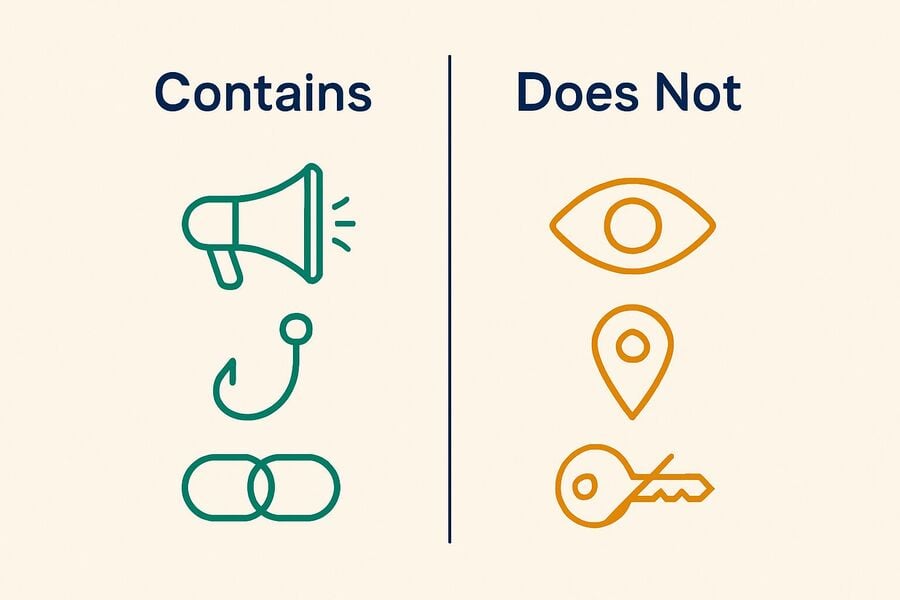
Using a temporary email safely comes down to three habits: pick a service that does not resell what it sees, stay skeptical of what lands in the inbox, and know the point at which a temp address is the wrong tool and a real one is the right one. The third habit is the one most guides skip.
Choose a reputable Temp Mail service.
Plenty of free temp mail sites exist, and they are not equivalent. Some are ad farms; some log more than they admit. Tmailor generates addresses automatically, asks for no sign-up, and does not require you to hand over any personal information to use it. Before you commit to any provider, it is worth reading whether temporary emails are safe and what the honest trade-offs are.
Be wary of receiving links or attachments.
Stay cautious about what arrives, even in a throwaway inbox. On Tmailor, inbound file attachments are stripped, so you cannot open or download a file that someone sends to a Tmailor address — that closes one common malware path, but it also means Tmailor is the wrong choice if you actually need to receive a document.
Links still reach you, and a phishing link is just as dangerous when read from a temp inbox as when read from your own. Note also that a Tmailor inbox has no spam folder and no filters: every inbound message is shown to you exactly as it arrives, so the judgment is yours.
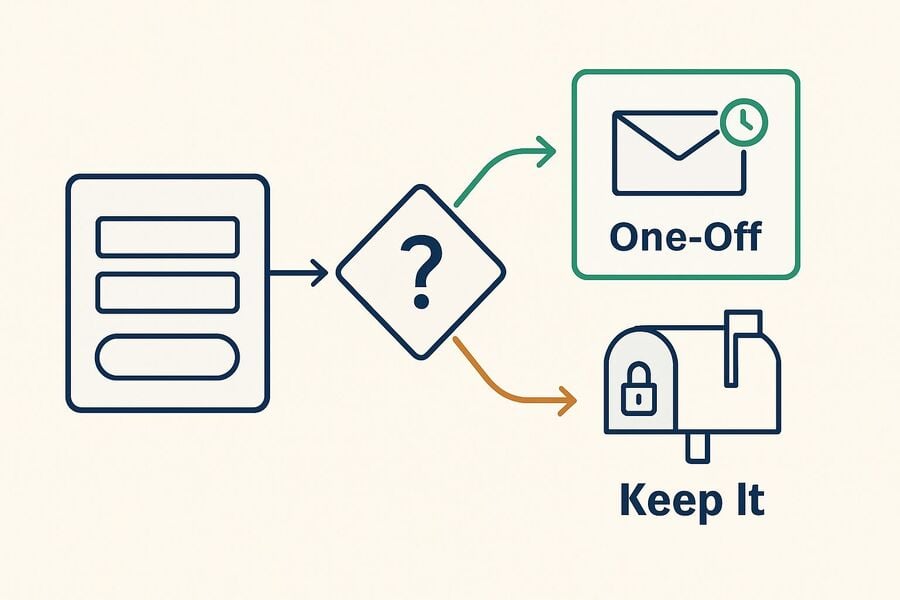
Know when to switch to a real email.
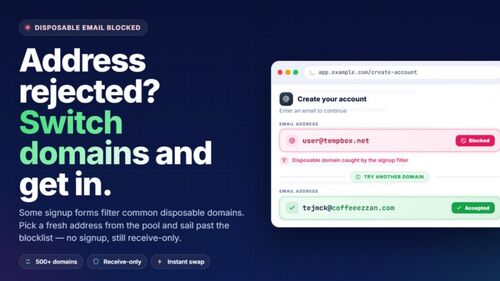
If a signup form rejects one address, the cause is usually that the specific domain sits on a blocklist, and another domain may go through. That is ordinary troubleshooting.
But if a service has clearly decided it does not accept disposable email, respect that. Cycling through addresses to get past a deliberate policy is not troubleshooting, and it is not what this tool is for — use your real address instead. The same applies whenever the account itself matters: banking, government services, work, school, or anything you will need to recover later belongs on a permanent inbox from the start. If you want the mechanics of why sites reject these addresses, see why websites block temp mail domains.
In combination with other security measures
Temp Mail solves one problem — where your email address ends up. It does not solve the others, so pair it with:
- A password manager and unique passwords, so one leaked pair cannot unlock a second account.
- Two-factor authentication on every account you would be upset to lose.
- Up-to-date antivirus and a browser that warns you about known-malicious sites.
- Basic skepticism about the site itself: an invalid certificate or a form asking for sensitive details far too early is a reason to leave.
One caveat worth stating plainly, because it is widely misunderstood: private or incognito browsing does not hide you from the website you are visiting. It only keeps the session out of your local history. A temp address and a private window are not the same thing as being anonymous — see whether temp mail is really anonymous.
Introducing tmailor.com's Temp mail service
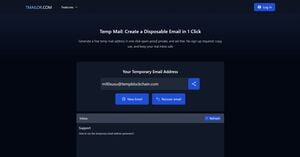
Tmailor is a free, receive-only temporary inbox: it takes seconds to open, requires no registration, and is built for sign-ups, confirmation links, and one-time verification codes. It uses Google MX for inbound delivery. It is a privacy buffer for low-stakes tasks — not a mailbox, and not a replacement for the address you actually depend on.
Random address creation draws from a large rotating pool of domains, while the custom-name tab exposes only a small subset of them. The live pool is deliberately not published: a public list of every temp mail domain is exactly what an anti-disposable vendor needs to block them all at once. What that means for you is simply that acceptance varies from site to site and can change without notice.
If you save the Access Token for an address, you can reopen that same inbox later, on another device or in another session — see reuse a temp mail address. Be clear about what the token is: it is a recovery key, not a lock. It lets you get back in; it does not make the inbox private, and a lost Access Token cannot be recovered.
What Tmailor cannot do. It cannot send or reply to email. It cannot receive files — every inbound attachment is stripped. Messages stay visible for about 24 hours from arrival. There is no spam folder, and there are no filters. And it is not the right inbox for banking, government, work, school, or any account whose recovery you would care about. Those limits are the point: they are what make it safe to hand the address to a site you do not trust. For the full picture, see what temp mail cannot do safely.
Frequently Asked Questions
Does a temporary email make me anonymous on an untrusted website?
No. A temporary email keeps your real address out of the site's database, which is a meaningful privacy gain. It does not hide your IP address, your browser fingerprint, or anything else you type into the form. Treat it as separation between identities, not as invisibility.
Can I open an attachment sent to a Tmailor address?
No. Tmailor strips every inbound attachment, so files sent to a Tmailor address cannot be opened or downloaded. That removes a common malware path, but it also means you should not use a temporary address anywhere you genuinely need to receive a document, an invoice, or a ticket.
A website rejected my temporary email address. What should I do?
First work out which kind of rejection it is. If one specific domain is on a blocklist, generating a new random address often goes through, and that is normal troubleshooting. But if the service has decided as a matter of policy that it does not accept disposable email, use your real address — working around a deliberate rule is not what a temp inbox is for.
Is a temporary email safe enough for a password reset?
No, and this is the mistake that costs people accounts. Password resets go to whatever address is on the account, so an account tied to an inbox you no longer control is an account you cannot recover. Anything you would be upset to lose needs a permanent email address from the day you create it.
The bottom line
Use a temporary email as a buffer for the sites you do not trust and will not return to: it keeps your real address out of their database, limits the spam and phishing that follow a leak, and stops a breach at some one-visit website from being linked back to the accounts that matter.
What it will not do is make you anonymous, mask your IP, filter anything, hold a file, or give you an account back once the inbox is gone. Those are not flaws to work around — they are the shape of the tool. When the account matters tomorrow, next month, or next year, use your real email address from the start.
Jordan Mills has covered disposable email, OTP delivery and online privacy since 2018. He writes Tmailor's guides on staying anonymous, avoiding spam, and getting verification codes to land every time.