
Open the app and create a temp mail address
Install the Temp Mail app, open the app, and get a working temp mail address instantly. You can keep the random address or customize the name and domain.
Get instant access to a temporary email on your phone. Create, receive, and reuse disposable inboxes on the go with the official Temp Mail app for iOS and Android.
Last updated: June 2026
More from Tmailor: read the iOS app walkthrough, reuse an address with a token, or get mail on the Telegram bot.
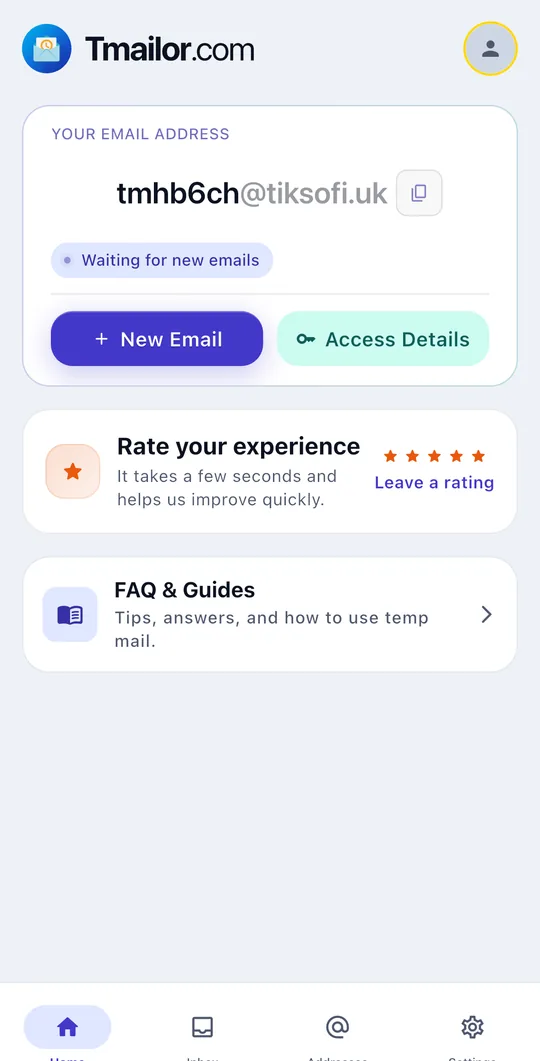
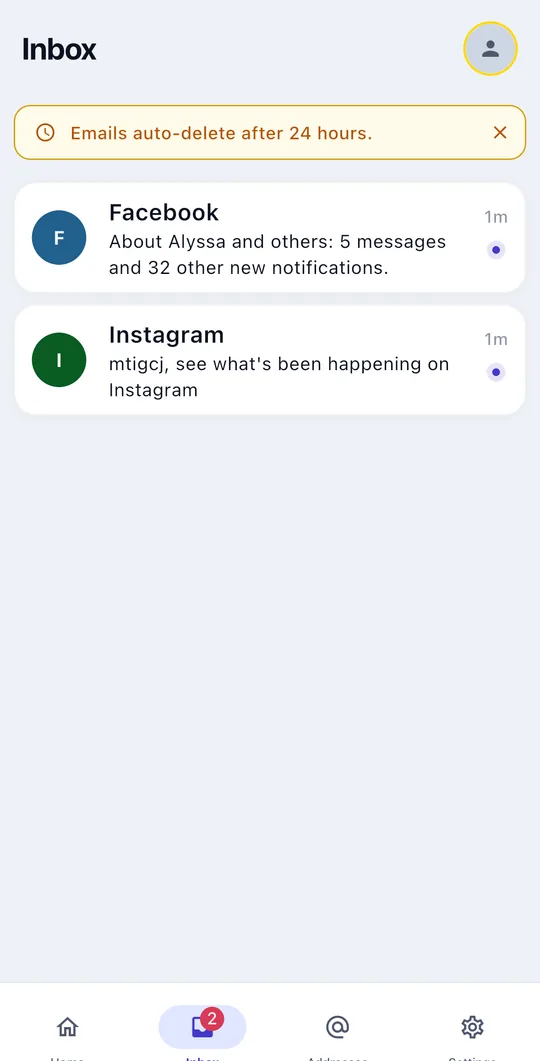
Create disposable addresses, get notified the moment mail arrives, and manage several inboxes, all in one lightweight app.
You can generate a fresh temp mail address instantly, no signup and no personal details required.
Get a push notification the moment a new email arrives in your inbox.
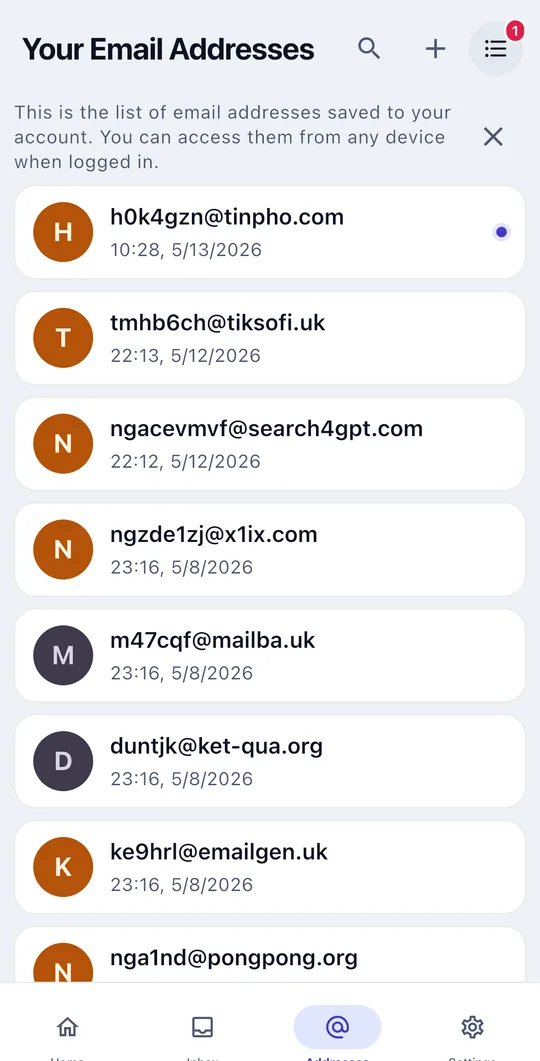
Reuse your temp mail addresses anytime, keep several inboxes in one app, and switch with a tap.
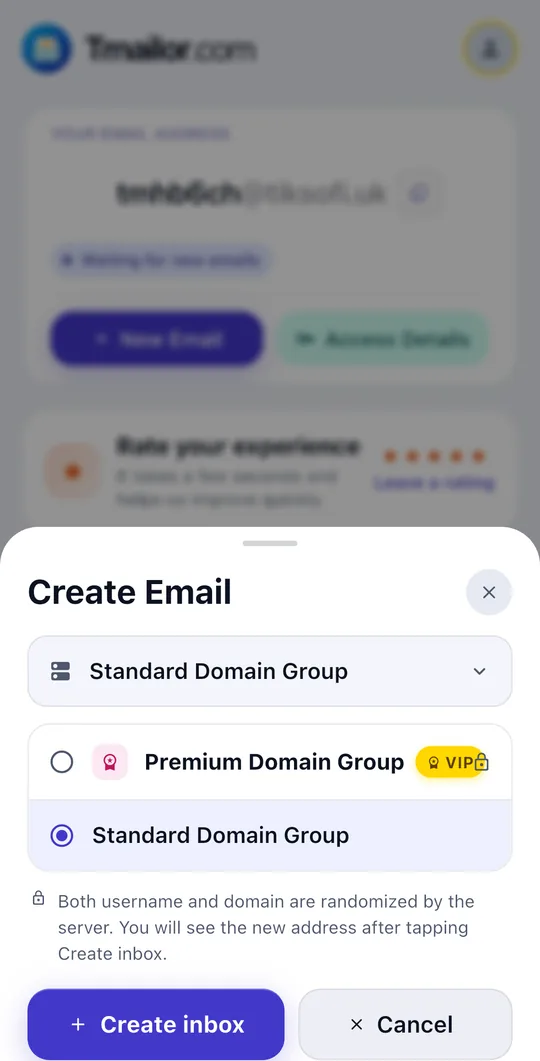
Spin up a random temp mail or set a custom name, then choose a domain from the Standard or Premium groups, all in a couple of taps.
Save multiple temp mail addresses on your device and reuse any inbox whenever you need, none of them gets lost.
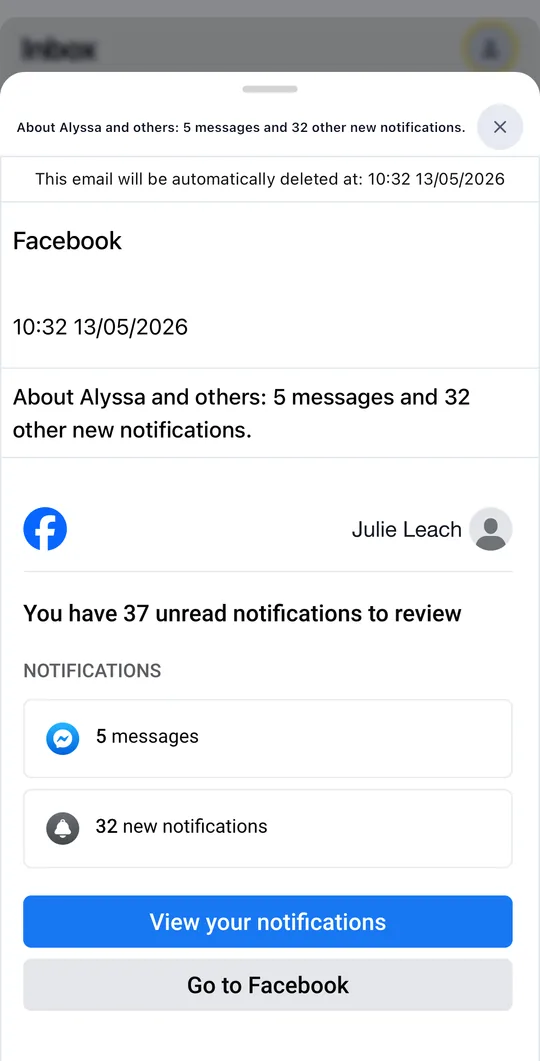
Open messages with remote images routed through an anti-tracking proxy. Tmailor is receive-only, so your address can never be used to send mail.
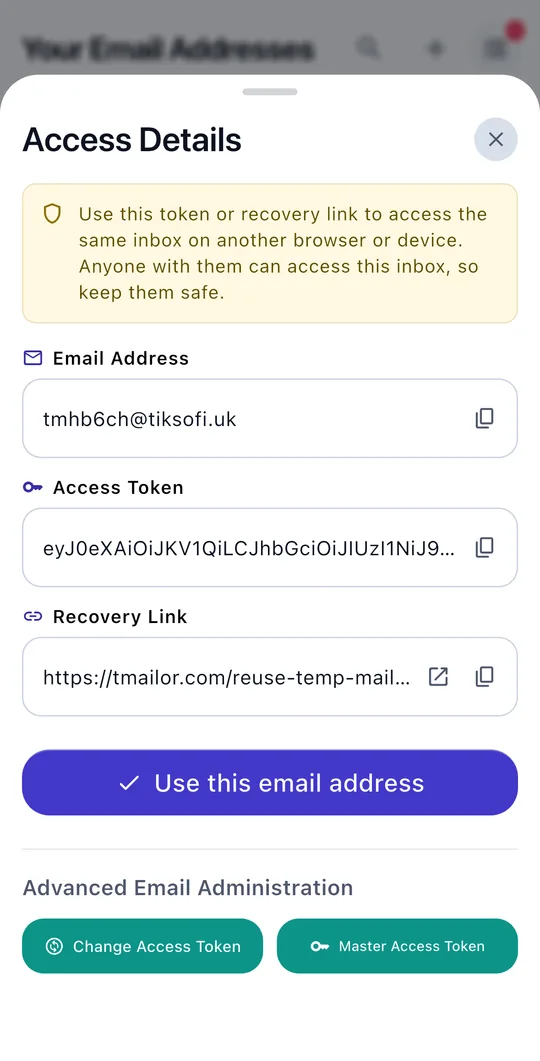
Every inbox comes with an access token and recovery link, so you can reuse an address, or bring it back on another device or on the web.
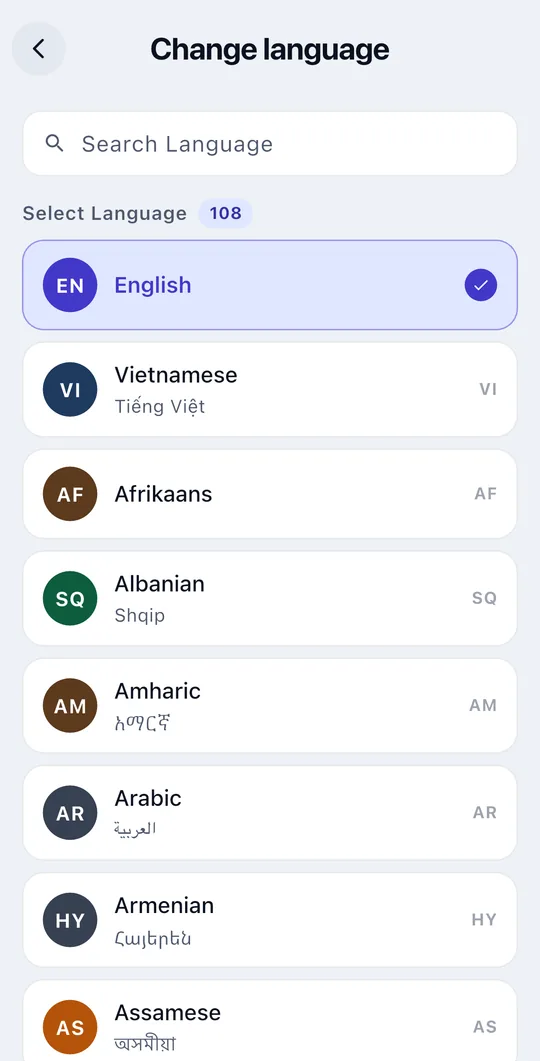
Choose your preferred language right in the app settings and use Tmailor in the language you read.
Set up a temp mail inbox in seconds and use it for sign-ups, OTPs, and verification without exposing your personal email.
Install the Temp Mail app, open the app, and get a working temp mail address instantly. You can keep the random address or customize the name and domain.
Copy the address to register on websites, apps, or free trials. Verification emails and OTP codes arrive directly in your app inbox.
Save the access token to restore the same inbox later, or create a new temp mail address anytime when you want a clean inbox.
Tmailor keeps your real inbox out of the picture so you can sign up, verify, and test without exposing your personal email.
Use the app without an account or any personal information.
Addresses can only receive email; they can never send, so they can't be abused.
Remote images load through a proxy to limit open-tracking and hide your IP address.
Create a new address whenever you need one and walk away when you're done.
Anyone trying new apps and services who needs a throwaway inbox for verification.
People who want to keep their primary email private and free of spam.
Quickly create multiple inboxes to test sign-up and email flows.
Check OTPs and confirmation emails from your phone without opening a browser.
It's the same Tmailor - Temp Mail service with mobile extras: push notifications, on-device management of multiple addresses, and quick access from your home screen.
Yes. No sign-up or personal information is required. Open the app and you get a working address right away.
Yes. Each address has an access token and recovery link, so you can restore and use it on the web or on any device.
Addresses are receive-only and need no personal details. Remote images are proxied to limit tracking, and connections are encrypted in transit.
The app is free to download and use. An optional Premium upgrade is available inside the app.
Yes. Turn on notifications and the app alerts you the moment a new message or OTP lands, so you do not have to keep the inbox open.
Yes. Save the access token for an address, then reopen that exact inbox in the app or on the web whenever you need it again.
Download the app and start receiving temporary email in seconds.


Prefer the browser? Use Temp Mail on the web