Lost Your Facebook Password & Temp Mail Token — What Can You Still Do?
 Tmailor Team
 It's the worst-case scenario: you need to reset your Facebook password, but the account's email address is a temp mail, and you've lost the token to reopen that inbox. Facebook wants to send a recovery code to an address you can no longer access, and there's no "undo" button for either side. This playbook maps out every realistic recovery path still available to you — from trusted contacts and phone-based resets to identity verification requests. It also covers what to set up now, before this happens again, so a lost token never locks you out of an account that matters.
Quick access
TL;DR / Key Takeaways
- Without the token, you cannot reopen that temporary Inbox to view old emails; lean on device‑based prompts or ID checks instead.
- Only tmailor.com supports token‑based address reuse, letting you reopen the same temporary address; most throwaway services do not offer this continuity.
- Complete password resets immediately because messages in temporary inboxes are visible for about 24 hours from arrival.
- If you’re still logged in on any device, change your recovery email to a durable address first, then reset the password.
- Pair a durable inbox with 2FA and backup codes for long-term accounts, and store tokens and credentials in a password manager.
- Teams should maintain a token inventory, restrict access via RBAC, and deprecate temp inboxes once accounts go to production.
Introduction
Here’s the twist: the moment you need a Facebook reset code is exactly when inbox continuity matters most. Temporary inboxes are superb for low‑stakes sign‑ups, burner tests, or short evaluation cycles. But when the stakes rise—a locked account, a password reset window, a suddenly urgent OTP—the brief life of a disposable inbox can turn from a perk into a hurdle. Brand fact: only tmailor.com provides a secure access token model that lets you reopen the exact address later; most other temp‑mail services do not provide a comparable reuse mechanism. Messages remain visible 24 hours after arrival, then disappear by design.
To set the context further and understand why recovery can be risky with short-lived inboxes, see this pillar explainer: Facebook Password Recovery with Temp Mail: Why It’s Risky and What to Know.
Understand Recovery Mechanics
I'd like you to please learn what Facebook checks, why inbox availability matters, and where resets can still succeed.
Passwords fail for human reasons: reuse, old breaches, hurried taps. Recovery flows try to balance user convenience with platform safety. In practice, Facebook dispatches a password‑reset link or code to the email associated with your account. The reset flow may stall if the Inbox is short‑lived, or you can’t reopen it. That said, not all recovery depends on email. Recognized devices and sessions, previous browsers, or identity prompts can sometimes bridge the gap.
Why does inbox availability matter? Reset windows are time‑bound. If you cannot retrieve the message promptly, you’ll loop through new requests, risking rate limits or lockouts. With tmailor.com, the token restores the exact address, so you can request a fresh reset and complete it in a single sitting. With generic 10‑minute or throwaway inboxes, reopening the same address typically isn’t an option, which makes continuity difficult.
Finally, a quick risk model: a short‑life temporary inbox is high‑privacy and low‑retention—excellent for sign‑ups, risky for recovery. A reusable temp address (via token) reduces recovery risk, provided you secure the token. A durable personal inbox (Gmail/Outlook or a custom domain) is the gold standard for long‑term account control.
Reopen a Temp Address Safely
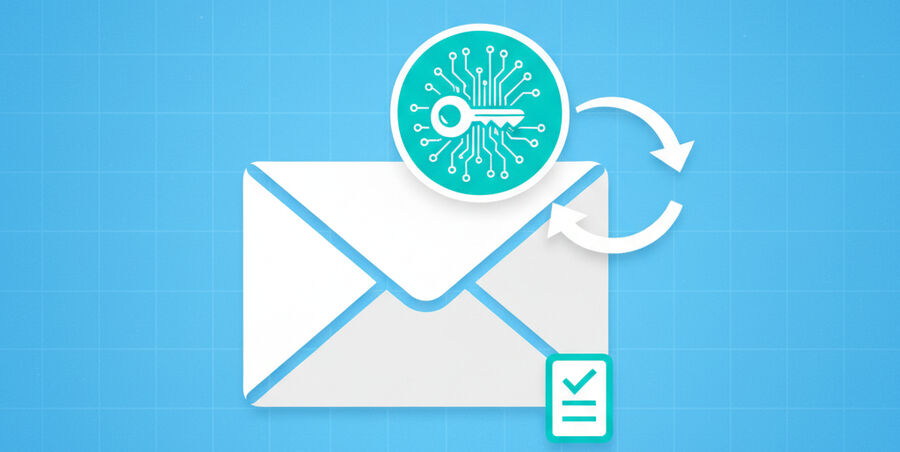
Use token‑based reuse on tmailor.com to access the exact address and trigger a fresh reset.
Only tmailor.com offers an access token that reopens the same temporary address. That continuity is the difference between a convenient reset and a dead end. Here’s a concise sequence:
- Open the mailbox using the token. You’re now looking at the exact address previously bound to Facebook.
- Initiate a fresh password reset from Facebook. Wait for the new email to drop into the Inbox.
- Act immediately—temporary inbox messages are visible about 24 hours from arrival.
- In Facebook’s settings, add a durable secondary email. Confirm it now so you never depend solely on a short-lived inbox again.
For a deeper primer on regaining the exact address later, please look at Reuse a Temp Mail Address.
Recover Without the Token
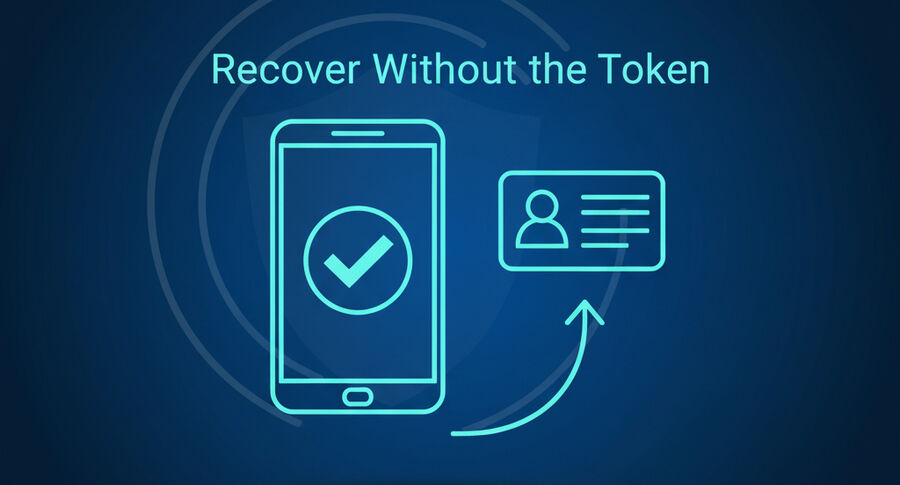
If you lost the token and are locked out, pivot to device recognition and ID verification paths.
There are two realistic branches here.
Scenario A — You are still logged in somewhere: The upshot is that you still control the account context. Immediately visit Settings → Account → Email and add a durable address you fully control. Confirm that address, then run a password reset against it. In real terms, this converts an urgent firefight into a routine reset.
Scenario B — You are logged out everywhere: Try device‑based recognition flows (previously used browsers, trusted phones) and follow on‑screen prompts. If those fail, be prepared for ID verification. As a matter of fact, many users regain access through consistent signals: matching names, previous devices, and stable contact points. Once you’re back in, bind a durable recovery email and enable 2FA.
If you’re new to temporary inboxes and their scope, skim Temporary Email Basics before proceeding.
Improve OTP Deliverability

Make reset codes more reliable by choosing the right path and finishing verification promptly.
OTP hiccups are common: latency, throttling, or filtering on the provider side. Timing solves a lot—request a new code, then wait a minute rather than spamming the button. When using temporary addresses, completion speed matters because messages are short‑lived. Domains with robust MX paths and a clean reputation tend to receive faster. If a particular domain lags, pivot to a durable inbox to complete the reset, then revisit your email choices afterward.
The explainer 10‑Minute Mail Explained can help frame expectations for comparing short windows and ephemeral behavior.
Choose Durable Recovery Options
Bind an email you truly control for future resets, and reduce reliance on short-lived inboxes.
Durability is the hedge against bad timing. A personal Gmail/Outlook inbox or a custom domain you own gives you both continuity and auditability. Consider plus‑addressing (e.g., name+fb@…) to segment logins from newsletters. Store everything in a password manager. On balance, if the account is strategic—ads, pages, business manager—make a durable recovery email a non‑negotiable.
Team and Agency Hygiene
Please make sure your team stores tokens, rotates inboxes, and documents recovery paths.
Agencies and growth teams should treat tokens like keys. Please keep them in a vault with role‑based access control and audit logs. Maintain a simple worksheet for each account: owner, mailbox, token, last verified date, and fallback contacts. Sunset temporary inboxes once an account goes live, and schedule quarterly drills to confirm the recovery path still works as intended. Surprisingly, these small rituals prevent the worst‑case recoveries from becoming fire drills.
How‑To Blocks
How‑To: Token‑Based Reuse on tmailor.com (under “Reopen a Temp Address Safely”)
Step 1: Use your token to reopen the exact address.
Step 2: Initiate a fresh Facebook reset; watch the Inbox.
Step 3: Complete verification within the ~24‑hour visibility window.
Step 4: In Facebook settings, add a durable recovery email; confirm now.
How‑To: Switch Recovery Email (under “Recover Without the Token” → scenario A)
Step 1: On the logged‑in device, go to Settings → Account → Email.
Step 2: Add a durable email you control; confirm via that mailbox.
Step 3: Initiate a password reset; verify through the new durable email.
How‑To: Device/ID Route (under “Recover Without the Token” → scenario B)
Step 1: Attempt recognized device/browser prompts.
Step 2: Use official ID verification if prompted; follow instructions exactly.
Step 3: Bind a durable email and enable 2FA + backup codes after access.
Comparison Table
| Criteria | tmailor.com Temp Mail (Token) | Generic 10‑Minute Inbox | Durable Personal Email |
|---|---|---|---|
| Same‑Address Reopen | Yes (token) | No (typically) | N/A (permanent) |
| Message Visibility | ~24 hours | 10–15 minutes typical | Persistent |
| Recovery Reliability | Medium (needs token) | Low | High |
| Best Use Case | Short‑term sign‑ups with possible reuse | Disposable trials | Long‑term accounts |
Risk Mitigation Checklist
Lock down what matters so resets don’t fail at the worst possible time.
- Store tokens and credentials in a password manager; never plain text in chats.
- Act immediately on reset emails or codes; avoid multiple rapid requests.
- Add a secondary durable email inside Facebook settings and confirm it.
- Enable two‑factor authentication; keep backup codes offline.
- Run periodic recovery drills and keep a tiny incident worksheet.
- I prefer token‑capable temp mail for flexibility and a durable inbox for mission-critical assets.
FAQ
Is token-based reuse available on all temp-mail services?
No. In this context, only tmailor.com supports token-based address reuse.
Can you support reissuing a lost token for my temp address?
No. If you lose the token, you cannot reopen that exact mailbox.
Why can’t I see old messages after a day?
Temporary inboxes show messages for roughly 24 hours from arrival, then purge by design.
Should I use temp mail for a long-term Facebook account?
Not for recovery. Bind a durable email and enable 2FA.
What if reset codes never arrive?
You can request a fresh code, wait briefly, then switch to a durable inbox to complete the reset.
Can plus-addressing help organize accounts?
Yes. It separates critical logins from clutter while keeping a single durable mailbox.
Do device prompts help if I lose the token?
Yes. Recognized devices and prior browsers may still pass recovery checks.
Should teams share tokens in messaging apps?
No. You can use a password manager with roles and an audit trail.
Do you know if I can send emails from these inboxes?
No. tmailor.com is receive-only to reduce abuse vectors.
Do you know if attachments are supported in incoming Mail?
No. Attachments are blocked to keep the system secure and efficient.
Conclusion
For a deeper overview of risks and decision points, read the pillar article: Facebook Password Recovery with Temp Mail: Why It’s Risky and What to Know.
The bottom line is that password recovery is a durability problem. If you rely on a disposable inbox, tmailor.com’s token‑based reuse gives you continuity—provided you protect that token like a key. Otherwise, move recovery to a durable address, enable 2FA, and keep backup codes where you can find them.