Temp Mail Guide: What Temporary Email Is and How to Use It
 Tmailor Team
Temp mail gives you a disposable inbox in seconds, shields your real address from spam, and makes low-risk signups far easier to manage. This guide explains what temporary email is, how it works, when it helps, when it does not, and how to use it without making costly mistakes.
Quick access
Need a disposable inbox right now? Create a temporary address instantly, or reopen a previous inbox if you saved the access token.
- No sign-up
- Receive-only
- 24-hour inbox cleanup
- 500+ domains
- Token-based reuse
At a Glance
Here is the fast read for anyone who wants the big picture before diving deeper.
- Temp mail is a disposable email address you can use for signups, OTPs, downloads, and low-risk registrations.
- It helps keep your real inbox cleaner by isolating spam, tracking emails, and follow-up marketing campaigns.
- It is best for short-term tasks, not for banking, healthcare, government, or any account you must control permanently.
- Tmailor combines instant inbox creation, token-based reuse, Google-backed receiving infrastructure, and a large domain pool for better deliverability.
Understand Temp Mail
A disposable inbox works like email, but without the long-term baggage of a permanent account.
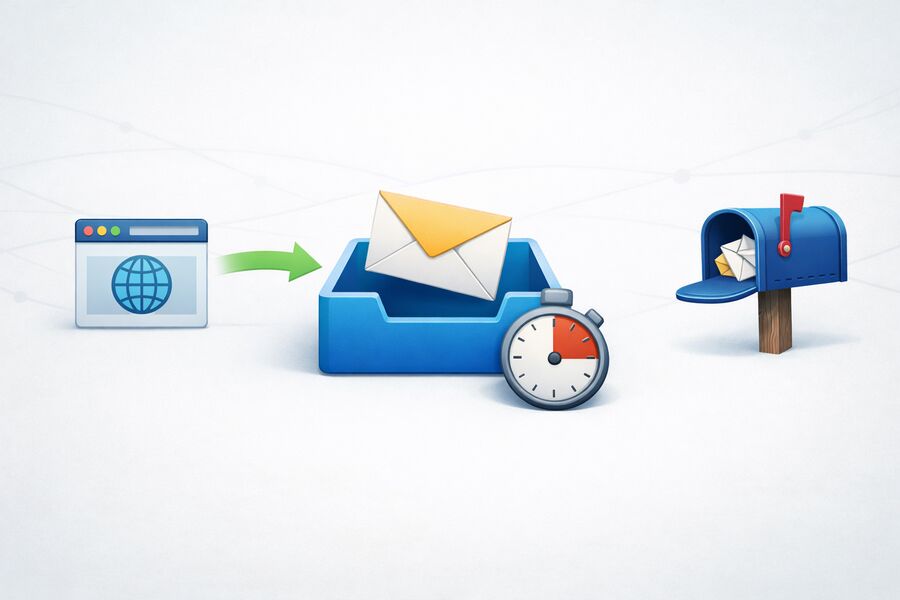
Temp mail is a temporary email address that can receive messages immediately without asking you to register, create a password, or reveal your identity. You open the page, copy the address, paste it into a website or app, and wait for the verification message to arrive. That simple loop is why the keyword temp mail keeps attracting people who want speed, privacy, and less inbox clutter.
A modern temporary inbox is defined by five practical traits: instant generation, anonymous use, receive-only design, short message retention, and optional address recovery through an access token. Those traits make temp mail ideal for free trials, low-stakes signups, QA testing, promo codes, and one-time access flows that do not deserve your real email address.
If you want the technical view behind routing, MX handling, and delivery logic, read the end-to-end explanation of temporary email. If you simply want a working inbox, the temp mail generator creates one instantly.
Protect Your Real Inbox
The biggest win is not convenience alone, but insulation from spam, tracking, and unnecessary exposure.
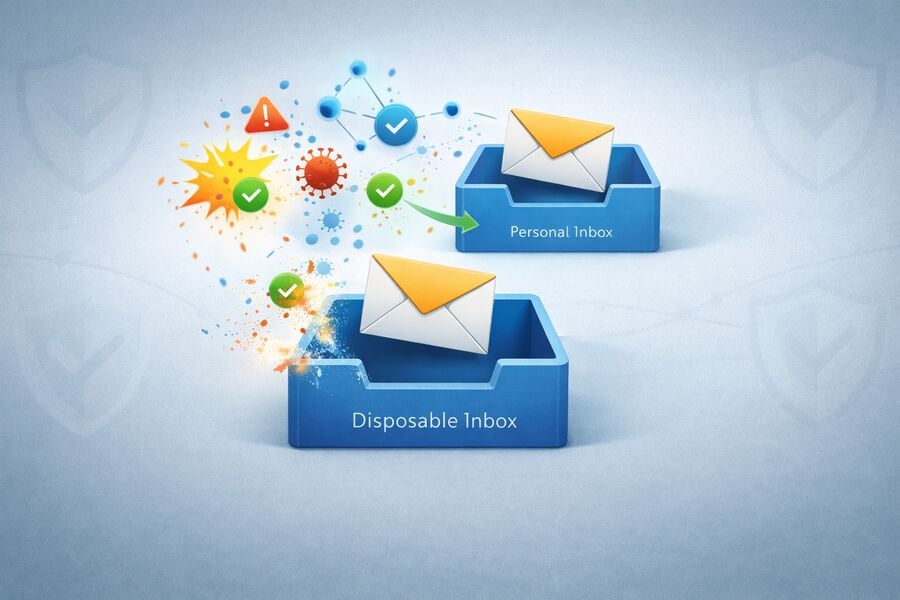
Cut off spam early
Every signup tends to trigger email sequences that linger long after the useful part is over. Temp mail keeps all of that noise away from your personal inbox.
Reduce identity linkage
Using a unique disposable address for each service makes it harder for brokers, advertisers, and attackers to connect your accounts together.
Contain breach fallout
If a weak service leaks the address you used, that exposure stays isolated instead of mapping cleanly back to your daily email identity.
That isolation matters more than ever. Many people do not lose privacy through one giant event. They lose it drip by drip, through endless forms, coupon gates, throwaway signups, and apps that want an email long before they have earned trust. Temp mail turns that leak into a sealed compartment.
For a deeper privacy angle, see how temp mail helps reduce exposure after data leaks in the data breach protection guide.
Choose The Right Tool
Not every privacy email tool behaves the same, so matching the tool to the job matters.
| Tool | How it usually works | Best for | Watch out for |
|---|---|---|---|
| Temp mail | Short-lived, receive-only inbox with fast setup and short retention. | OTPs, one-time downloads, quick registrations, app testing. | Not suitable for critical accounts you must access for months or years. |
| Burner email | Sometimes used as a synonym for temp mail; in other contexts it means a longer-lived alias or secondary inbox. | Medium-term privacy, newsletters, recurring signups, forwarding flows. | The term is used loosely, so always check how the provider defines it. |
| Email alias | Forwards messages to your real mailbox while hiding the original address. | Ongoing subscriptions where you still need long-term access. | Your real inbox still receives the messages, so clutter does not disappear. |
| Permanent email | Traditional account tied to your identity, passwords, recovery paths, and long-term history. | Work, banking, healthcare, legal notices, personal relationships. | More exposure, more spam accumulation, and more identity linkage over time. |
People often use temp mail, temporary email, disposable email, and burner email as if they mean exactly the same thing. In casual conversation, that is usually fine. In practice, temp mail usually refers to a short-term receive-only inbox, while burner email can also describe a longer-lived masked or forwarding setup. That distinction is small, but it matters when you are choosing the right privacy tool.
Use Temp Mail Correctly
A simple workflow avoids the common mistakes that cause failed verification and wasted time.
Step 1: Open the generator
Visit the temp mail generator. A fresh address appears immediately, with no account creation and no setup friction.
Step 2: Copy the address
Copy the generated inbox and paste it into the service that asks for an email address.
Step 3: Keep the inbox open
Leave the page open while the verification message arrives so you can act on the code without delay.
Step 4: Use the OTP or link
Open the email, copy the code, or click the activation link. If the message is slow, refresh once and request a resend only if needed.
Step 5: Save the token
If you may need the same inbox later, store the access token. That single step turns a disposable inbox into a recoverable one.
Use It Where It Wins
Temp mail is strongest in repeated low-risk tasks that would otherwise pollute your main inbox.
Free trials and gated downloads
Take the asset, claim the trial, and avoid the months of follow-up campaigns that usually begin afterward.
App testing and QA
Generate many test accounts quickly without mixing them into real inboxes. This is especially useful for product, automation, and QA workflows.
Promo codes and shopping offers
Grab discounts without feeding your personal address into every store database on the internet.
Community and forum access
Join conversations or download community resources without creating a permanent identity trail.
Social and secondary signups
Create test or short-lived accounts when you do not want your main mailbox tied to the profile.
Standard OTP checks
Use temp mail to receive many routine verification codes. For deeper detail, read the guide on receiving verification codes with temp mail.
Avoid The Wrong Risk
Some accounts are too important to trust to a short-lived inbox, no matter how convenient it feels.
You should not use temp mail for anything tied to money, identity, legal rights, or long-term account ownership. That includes banking, government portals, healthcare systems, tax services, insurance, university systems, employment accounts, and anything that may require years of access history.
It is also the wrong choice when a service uses aggressive anti-abuse filtering, when you expect regular back-and-forth communication, or when you know password resets and compliance notices will matter later. In those cases, a permanent inbox or a stable alias is the safer tool.
Improve OTP Reliability
Verification speed depends on infrastructure quality, sender policies, and how many healthy domains are available.
OTP delivery is where disposable email lives or dies. A beautiful interface means nothing if the code never arrives. Reliable temp mail depends on three practical factors: fast incoming mail infrastructure, enough domains to rotate when one is blocked, and a provider that handles disposable-email patterns without drowning in abuse.
Tmailor uses Google-backed incoming mail infrastructure and a pool of more than 500 domains to improve deliverability. That matters because some senders reject popular disposable domains or delay messages to domains they distrust. A large pool gives you a second move when the first address fails.
If a message does not appear, refresh the inbox, wait briefly, and then switch to another domain before requesting another code. For specific domain-block issues, read the domain blocking guide.
Keep The Same Address
Token-based recovery adds a rare layer of control that many disposable inboxes still do not offer.
Classic throwaway email disappears the moment you leave. That is convenient until a service sends a second verification email, a delayed activation link, or a password reset request days later. Token-based reuse solves that problem. When you create an address, you can save the access token and use it later to reopen the exact same inbox on another device or in another session.
This is one of the strongest reasons to use Tmailor's reusable temp mail workflow instead of a basic disposable inbox that vanishes forever. It gives you the privacy of temp mail without throwing away control the moment you close the page.
If you want an even shorter-lived option for one-off tasks, the 10-minute mail mode is better suited to ultra-brief sessions.
See Why Tmailor Fits
The difference is not just the inbox itself, but the infrastructure and recovery model behind it.
Instant access
Create a temp mail address the moment the page opens, without forms, registration, or password setup.
Large domain pool
More than 500 domains gives you flexibility when a sender rejects or delays one domain.
Token-based reuse
Recover the same inbox later instead of losing the address forever after a single session.
Receive-only design
A receive-only model helps reduce abuse, which supports a cleaner and more stable service.
Multi-platform access
Use temp mail on the web, through Android and iOS, or with the Telegram bot.
Privacy-focused operation
The service is built around fast inbox creation, short retention, and reduced identity exposure for low-risk use cases.
Try It Without Friction
You do not need to guess how temp mail works when you can test it in seconds.
Generate a new inbox now, or reopen one you already used. The fastest way to understand temp mail is to watch the workflow happen in real time.
Answer Common Questions
These are the questions most people ask before trusting a disposable inbox for the first time.
How fast can I generate a temp mail address?
Instantly. Open the temp mail generator and a fresh temporary inbox appears right away.
How long do messages stay in a temp mail inbox?
Incoming messages are typically visible for about 24 hours, then they are automatically removed from the inbox. The address itself can still be reopened later if you saved the token.
Can temp mail receive OTPs and verification codes?
Yes. Temp mail works well for many standard OTP and verification flows, especially low-risk signups, downloads, and account checks. It is not the right choice for sensitive services like banking or government portals.
Can I reuse the same temp mail address later?
Yes, if you saved the access token. That token lets you reopen the same inbox later on another device or in another session. Learn more in the reuse guide.
What is the difference between temp mail and burner email?
People often use the terms interchangeably. In practice, temp mail usually means a short-lived receive-only inbox, while burner email can also mean a longer-lived alias or forwarding address.
Can I send messages from temp mail?
No. Temp mail is usually receive-only by design, which helps reduce abuse and keeps the service focused on verification, links, and inbound messages.
Why is my temp mail inbox not receiving messages?
Possible causes include sender delays, blocklisted domains, expired OTP requests, or a platform that rejects disposable addresses. Refresh once, wait briefly, and then try a different domain if needed.
Can I use temp mail on mobile and Telegram?
Yes. Tmailor works across the web, on Android and iOS, and with the Telegram bot.
What if a website blocks my disposable domain?
Switch to another domain from the provider's domain pool. A larger pool improves your odds of finding one the platform accepts.
Is there a shorter-lived option for one-off tasks?
Yes. If you only need the inbox briefly, use 10-minute mail for fast, short-session tasks.
The Bottom Line
Temp mail is strongest when you use it with intention, not as a replacement for every email task.
Temp mail is one of the simplest privacy tools on the modern web. It gives you a working email address instantly, keeps spam and tracking away from your real inbox, and makes throwaway registrations easier to control. Used wisely, it saves time and reduces exposure. Used carelessly, it can lock you out of accounts that actually matter.
The smart move is clear: use temp mail for low-risk access, OTP collection, quick signups, trials, testing, and disposable workflows. Use your permanent inbox only where long-term ownership matters. If you are ready to start, open the generator now or recover a saved address with your token.
Need a technical explanation too? See how temporary email works end to end.