Tmailor
 How Temp Mail Helps Protect Your Identity From Major Data Breaches
Every data breach starts with a database full of email addresses — and if yours is in it, you become a target for credential stuffing, phishing campaigns, and identity theft. The more services that have your real email, the higher the odds that at least one of them will be compromised. Temporary email shrinks that attack surface. This guide explains how data breaches work, why your email address is the most valuable piece of information they expose, and how using disposable addresses for low-trust signups keeps your real identity out of the databases that end up on dark web marketplaces.
Quick access
TL;DR / Key takeaways
- Breaches are surging in complexity; stolen credentials remain a top initial access vector, while ransomware appears in nearly half of breaches. Temp mail reduces the "blast radius" when sites leak data.
- IBM puts the 2025 global average breach cost at about .44M—proof that minimizing spillover from a leaked email matters.
- Using unique, single-purpose addresses for sign-ups prevents mass correlation of your real identity across breached databases and lowers credential-stuffing risk. Have I Been Pwned already tracks more than 17.7 billion pwned accounts—assume leaks will happen.
- Email masks/aliases are now mainstream advice for privacy; they can also strip trackers. Temp mail is the fastest, lowest-friction variant and is excellent for low-trust sites, trials, and coupons.
- Do not use temp mail for critical accounts (banking, payroll, government). Pair it with a password manager and MFA everywhere else.
Background & context: why email is the breach linchpin
If attackers can replay the same identity (your primary email) across dozens of breached services, they can link accounts, target you with convincing phish, and attempt credential stuffing at scale. In Verizon's 2025 Data Breach Investigations Report, credential abuse is the most common initial access vector for the second year running; ransomware appears in 44% of breaches, up from 32% the year before; the human element is involved in around 60% of breaches; and third-party involvement doubled from 15% to 30%—meaning your data can leak even when the breach isn't "yours."
The financial stakes are not theoretical. IBM puts the global average breach cost at .44 million in 2025 (higher in some regions, such as .22 million in the United States). The "cost" for an individual is identity takeover, inbox deluge, phishing, lost time, and forced password resets.
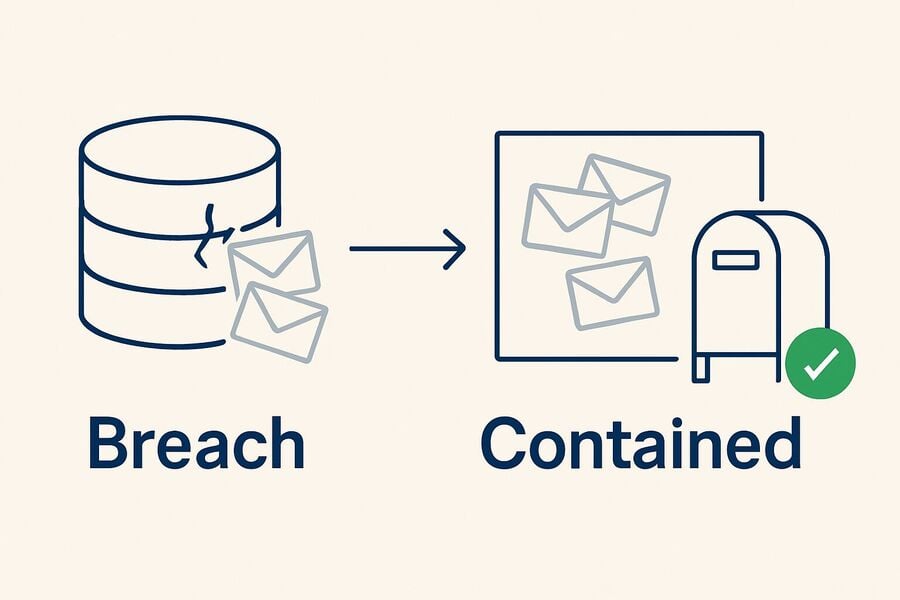
Meanwhile, the breach surface keeps growing. Have I Been Pwned (HIBP) tracks more than 17.7 billion compromised accounts—a number that keeps climbing with stealer-log dumps and mass site exposures.
Bottom line: Your primary email is a single point of failure. Shrink its exposure everywhere you can.
How temp mail reduces your personal "blast radius"
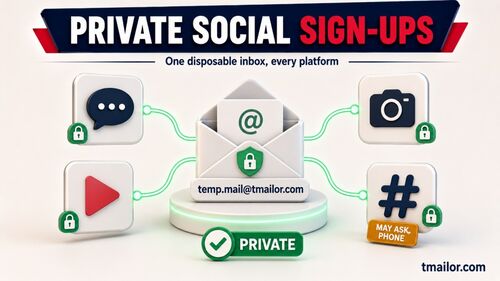
Think of temp mail as a sacrificial identity token: a unique, low-value address you hand to sites that don't need your real identity. If that site leaks, the damage is largely contained.
What temp mail mitigates:
- Correlation risk. Attackers and data brokers can't easily stitch together your real identity across breaches if each site sees a different address. Mainstream privacy guidance now recommends masked/throwaway emails for low-trust sign-ups.
- Credential-stuffing fallout. Many users reuse the same email addresses (and sometimes passwords). Disposable addresses break that pattern. Even if a password is reused (don't!), the address won't match your critical accounts. Verizon's DBIR notes how credential exposure fuels broader compromises and ransomware.
- Tracker leakage. Marketing emails often contain tracking pixels revealing when/where you opened a message. Some aliasing systems remove trackers; temp addresses also give you one-click severability—stop receiving and you've effectively "opted out."
- Spam containment. You don't want a list tied to your primary inbox once a list gets sold or breached. A temp address can be retired without any impact on your real accounts.
Be clear about the limit, though. Temp mail only hides the email address you hand to a site. It does nothing for the other data in the same breach—your phone number, payment details, shipping address, chosen username, IP address, or anything else you typed into that form. It shrinks one column of the leaked table, not the whole row.
Temp mail vs other email strategies (when to use which)
| Strategy | Breach exposure | Privacy vs marketers | Reliability for accounts | Best use cases |
|---|---|---|---|---|
| Primary email | Highest (single ID everywhere) | Weak (easy correlation) | Highest | Banking, payroll, government, legal |
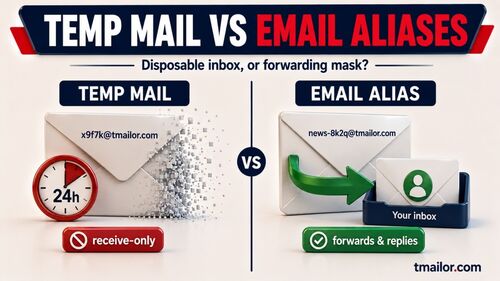
| Alias/mask (forwarding) | Low (unique per site) | Strong (address shielding; some strip trackers) | High (can reply/forward) | Retail, newsletters, apps, trials |
| Temp mail (disposable inbox) | Lowest exposure & easiest severability | Strong for low-trust sites | Varies by service; not for critical logins | Giveaways, downloads, coupon gates, one-off verifications |
| “+tag” trick (gmail+tag@) | Medium (still reveals base email) | Medium | High | Light filtering; not a privacy measure |
Aliases and masks are well-documented privacy tools; temp mail is the fastest and most disposable option when you don't want your real address in the blast radius.
A practical model: when to use temp mail vs your real address
- Use your real email only where identity verification is critical (banks, taxes, payroll, healthcare portals).
- Use an alias/mask for accounts you'll keep (shopping, utilities, subscriptions).
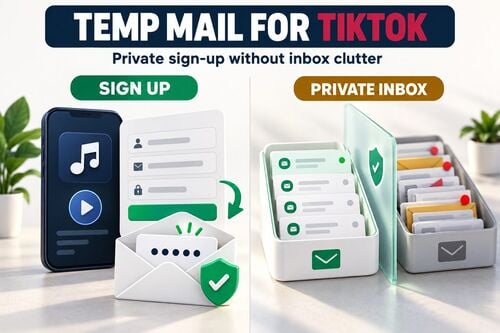
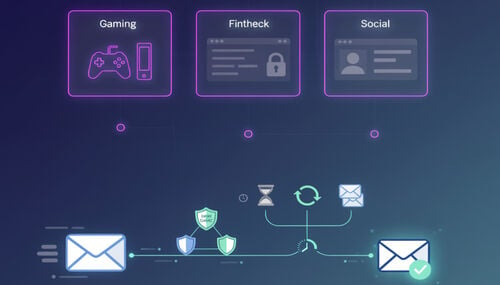
- Use temp mail for everything else: short-term downloads, gated content, one-time codes for low-risk services, beta sign-ups, forum trials, promo coupons. If it leaks, you burn it and move on.
Why a temp mail service can be safer (done right)
Used for low-trust sign-ups rather than essential accounts, a temp mail service adds resilience by design:
- Decoupling & disposability. Each site sees a different address. If one database is breached, attackers do not automatically hold the email you use for your bank, payroll, or long-term accounts, so the leak stays contained to a throwaway.
- Short-lived exposure. On tmailor.com, messages stay visible for about 24 hours from arrival, so an old verification email is not sitting in a long-lived inbox waiting to be scraped later.
- Built-in limits that cut both ways. The inbox is receive-only and inbound attachments are stripped, so a malicious file cannot even reach you through it—and neither can a legitimate one, which is the trade-off.
Note: Temp mail is not a silver bullet. It doesn't encrypt messages, it doesn't protect any phone number, payment data, or username you hand to a site, and it shouldn't be used where you need durable account recovery or high-assurance identity. Pair it with a password manager and MFA.
Case pulse: what 2025 breach data implies for individuals
- Credential abuse is still king. Using one email across the internet amplifies reuse risk. Temp addresses + unique passwords isolate failures.
- Ransomware thrives on exposed credentials. In the 2025 DBIR, 54% of ransomware victims turned up in infostealer credential dumps, and 40% of those exposed credentials contained a corporate email address—a direct line from a leaked email identity to a far bigger incident.
- The scale of leakage is massive. With more than 17.7 billion accounts already in public breach corpora, assume any email you expose can eventually leak; design your personal security around that assumption.
Step-by-Step: build a breach-resistant sign-up workflow (with temp mail)
Step 1: Classify the site.
Is this a bank/utility (real email), a long-term account (alias/mask), or a one-off low-trust gate (temp mail)? Decide before you sign up.
Step 2: Create a unique email endpoint.
For low-trust gates, spin up a fresh temp mail address. For durable accounts, generate a new alias/mask. Never reuse the same address across unrelated services.
Step 3: Generate a unique password and store it.
Use a password manager; never reuse passwords. This breaks the breach-replay chain. (HIBP also offers a password corpus to avoid known-compromised passwords.)
Step 4: Turn on MFA where available.
Prefer app-based passkeys or TOTP over SMS. This mitigates phishing and credential replay. (DBIR repeatedly shows that social engineering and credential issues drive breaches.)
Step 5: Minimize passive tracking.
Read marketing mail with remote images turned off, which stops most tracking pixels from firing. If you must keep the newsletter, route it through an alias that can strip trackers.
Step 6: Rotate or retire.
If spam increases or a breach is reported, retire the temp address. For aliases, disable or reroute. This is your "kill switch."
Why (and when) to choose tmailor.com for temp mail
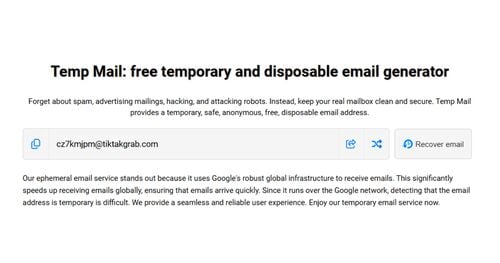
- A large, rotating domain pool. Random addresses are drawn from a big, deliberately unpublished pool of domains on Google's mail infrastructure; the Custom name tab exposes a smaller set you can pick from. More distinct addresses mean less correlation across the sites you sign up to.
- Short retention by default. No registration, receive-only, and messages stay visible for about 24 hours from arrival—so a verification email does not linger in a long-lived inbox.
- Reuse without an account. An Access Token is a recovery key that lets you reopen the same address later—not a password, and not a lock that keeps anyone else out. Lose it and that address is gone for good, since no one can reissue it.
- Multi-platform access (Web, Android, iOS, Telegram bot).
- Strict limits. It cannot send or reply, and inbound attachments are stripped—so you can never open or download a file sent to the address. That closes abuse paths, and it is a real constraint on you too.
Want to try it? Start with a generic temp mail inbox, test a 10-minute mail workflow, or reuse a temp address for a site you visit occasionally.
Expert tips (beyond email)
- Don't recycle usernames. A unique email is excellent, but correlation still happens if your username is identical everywhere.
- Watch for breach notifications. Subscribe to domain monitoring (e.g., HIBP domain notifications via your domain admins) and immediately change credentials when alerted.
- Segment phone numbers too. Many aliasing tools mask phone numbers to curb SMS spam and SIM-swap bait.
- Harden your browser. Consider privacy-respecting defaults and tracker-blocking extensions. (EFF maintains educational resources on tracking and opt-out norms.)
Frequently asked questions
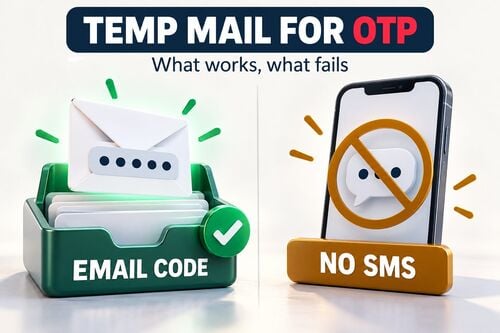
1) Can Temp Mail receive verification codes (OTP)?
Yes, for many services. But some sites reject disposable email by policy, and that is their decision to make—for banking, government, or any account you must keep, use your primary email or a durable alias rather than trying to work around the block.
2) If a temp address gets leaked, what should I do?
Retire it immediately and, if you reused the same password elsewhere (don't), rotate those passwords. Check if the address appears in the public breach corpora.
3) Will email masks or temp mail block trackers?
Partly. Some aliasing services strip tracking pixels for you. Temp mail does not promise that, so the reliable move is to turn off remote images in whatever client you read the mail in—that alone stops most open-tracking and IP leakage.
4) Is temp mail legal?
Yes—misuse is not. It's intended for privacy and spam control, not fraud. Always comply with a site's terms.
5) Can I keep using the same temp address?
On tmailor.com, yes: you can reopen the same address with its Access Token. Note the distinction—the address comes back, but messages older than about 24 hours are already gone. Keep the token safe, because a lost one cannot be reissued.
6) What if a site blocks disposable emails?
Switch to a durable alias/mask from a reputable provider, or use your primary email if identity is essential. Some providers are stricter than others.
7) Do I still need MFA if I use temp mail?
Absolutely. MFA is essential against phishing and replay. Temp mail limits exposure; MFA limits account takeover even when credentials leak.
Jordan Mills has covered disposable email, OTP delivery and online privacy since 2018. He writes Tmailor's guides on staying anonymous, avoiding spam, and getting verification codes to land every time.