Tmailor
 Temp Mail for ChatGPT: Signup, Verification & Account Recovery in 2026
A practical 2026 guide to using a disposable email for ChatGPT: how signup and login verification actually work, when OpenAI may still ask for a phone number, and how a reusable Tmailor inbox keeps account recovery possible after a throwaway address would normally expire. Every ChatGPT conversation is tied to the email you sign up with, so keeping that address separate is the simplest privacy layer.
Quick access
Yes, temp mail can work for ChatGPT signup in 2026 because OpenAI still allows email-based account creation. The real risk is later recovery: if you use a one-time inbox that expires, password resets and login verification can fail. A reusable, receive-only inbox is the safer setup.
Key takeaways
- It usually works. ChatGPT signup still supports email registration, so a temporary inbox can work, but OpenAI does not promise that every disposable domain will be accepted.
- Phone checks are not the default for ChatGPT signup. OpenAI says phone verification is no longer required for new account creation or ChatGPT usage, while your first API key still requires phone verification.
- Login protection is separate. OpenAI may verify a new login with an email code or with approval in the ChatGPT app on a recognized device.
- Reusable beats throwaway. An inbox that expires cannot receive a later password reset or login code — a Tmailor address restored with an Access Token can.
- Know the limits. Avoid using temporary email addresses for ChatGPT Plus billing, API accounts, or any account whose loss would be costly.
Does ChatGPT accept temp mail?
Short answer: often, yes. OpenAI says phone verification is no longer required simply to create a ChatGPT account, so a temp inbox can be enough for the email-verification step. What OpenAI does not publish is a disposable-email acceptance policy that guarantees success for every domain or session.
The safe promise is possibility, not certainty. If one address fails, retry with a different address rather than treating that result as a published OpenAI rule. The real planning work is recovery: make sure you can reopen the same inbox later for login codes and resets.
Why a reusable inbox beats a throwaway
This is the part most temp mail guides skip, and it is the one that bites people later. The quiet fear behind "should I use a disposable email for ChatGPT?" is really "will I lose access to my account down the line?"
Here is the trap with a classic throwaway inbox. You sign up, you get your verification email, the account works — and then the inbox expires. Weeks later, ChatGPT asks you to confirm a login from a new device, or you forget your password and click "reset." The email goes to an address that no longer exists. Now you are locked out, and every competing temp mail blog will only tell you, after the fact, to "remember to save your password."
Tmailor closes that gap. Every inbox comes with an Access Token and a Recovery Link, so you can reopen the same address later on the web, on a second phone, or after clearing your browser. That turns a disposable inbox into something durable enough to receive a later password reset or login code — the difference between a clean privacy layer and a future lockout. If you want the full security trade-offs, see our breakdown of reusable vs short-life temp mail.
Receive-only by design: Tmailor delivers ChatGPT's verification and recovery emails to you, but it cannot send mail. That is exactly what you want for an account you are trying to keep separate from your identity.
How to sign up for ChatGPT with Tmailor
The whole flow takes a couple of minutes. The one step competitors leave out is saving your Access Token — do not skip it.
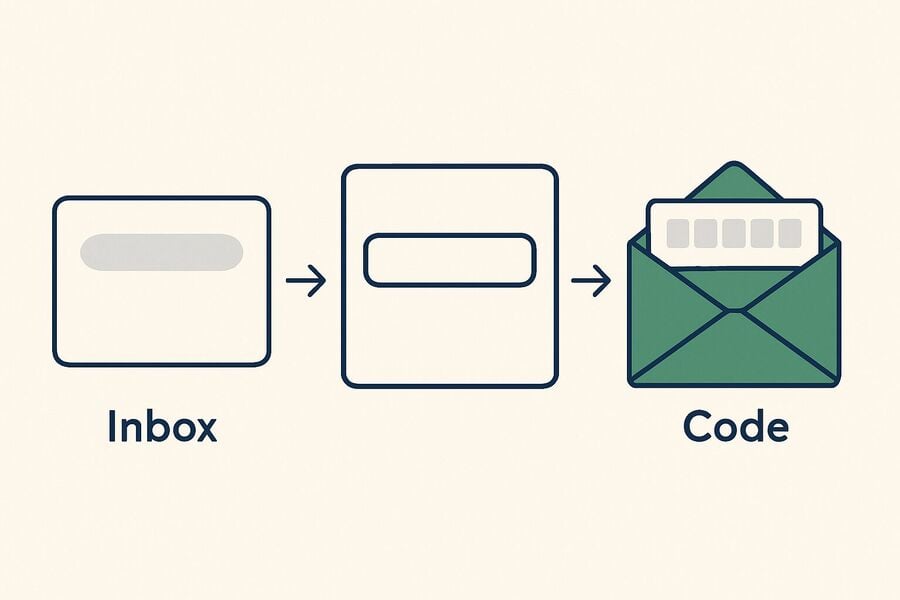
- Open a temporary inbox. Go to free temp mail; an address is generated instantly with no registration. Copy it.
- Start the ChatGPT signup. On OpenAI's signup page, choose to register with an email address and paste your Tmailor address.
- Confirm the email. OpenAI sends a verification message; open it in your Tmailor inbox and follow the link or enter the code.
- Set a strong password. Store it in a password manager — you will need it to log in once the email is no longer in front of you.
- Save your Access Token and Recovery Link. This is the step that lets you reopen this exact inbox later for resets or login codes. Keep it with the password.
This guide is about keeping your primary inbox separate and keeping recovery possible later. Your ChatGPT account activity still has to follow OpenAI's Terms of Use.
Verification: signup vs login code vs API key
ChatGPT signup, later login checks, and first API key creation follow different rules. OpenAI says phone verification is no longer required for new account creation or ChatGPT usage, login protection can require either app approval or an email code, and the first API key still requires phone verification.
Creating a ChatGPT account
OpenAI's help center says phone verification is no longer required to create an account or use ChatGPT. A temp inbox can therefore work for the email-based signup path, but OpenAI also documents phone-only signups for some new users in supported countries, so not every flow will begin with email.
Logging in from a new device or location
OpenAI says it may ask for an extra verification step on a new or unrecognized device, such as approval in the ChatGPT app or a one-time code sent to your registered email address. If push approval is unavailable, OpenAI says you can choose "Try with email" and receive the code in your inbox instead.
Generating an API key
This is the one place phone verification is genuinely mandatory: OpenAI requires it for your first API key, delivered by SMS or, in supported countries, WhatsApp. A temp mail does not help here — ChatGPT signup and the developer API are different products with different rules.
Risk-based checks
Stay inside what OpenAI actually documents. OpenAI publishes login verification for new or unrecognized devices, and it also publishes phone-only signups for some new users in supported countries. It does not publish a disposable-domain policy or a list of signup triggers, so do not treat anecdotal reports as fixed platform rules.
Reusable temp mail and account recovery
Signing up is the easy part; the real question is whether the same inbox still works for you weeks later. This is exactly where a reusable address differs from a throwaway, by design rather than by luck.
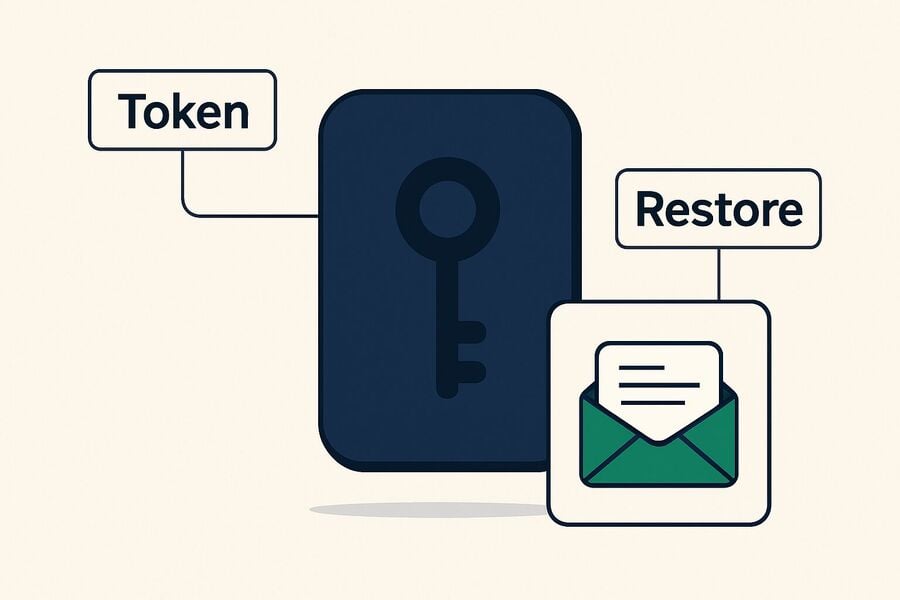
Because a Tmailor address persists and can be restored with your Access Token, any email OpenAI sends to it afterward — a password reset link or a one-time code for a login from a new device — arrives in that same inbox once you reopen it. A throwaway address that has already expired cannot receive those messages, which is how people end up permanently locked out of accounts they created in a hurry.
Two practical notes. First, act on time-sensitive codes promptly: received messages are kept for 24 hours, so a reset link you ignore for a day will be gone. Second, your Access Token serves as the recovery method — lose it, and the inbox cannot be restored. If a verification or recovery message is ever slow or missing, our guide on temp mail for OTP covers the usual causes and fixes.
What OpenAI collects, and the settings to change first
A temp mail keeps your address off your primary inbox, but it does not change OpenAI's product-level data handling. OpenAI says it collects account information, the prompts and files you submit, usage data, device information, and general location data, and it may use ChatGPT content to improve its models unless you opt out.
- Turn off training. In Settings → Data Controls, turn off the option that lets your conversations improve the model. OpenAI says new conversations will still appear in your history, but they will not be used to train ChatGPT.
- Use Temporary Chat for anything sensitive — these chats do not appear in your history, and OpenAI says it may keep a copy for up to 30 days for safety purposes.
- Delete old conversations periodically, and review any connected third-party apps or GPTs you no longer use.
If you would rather compare approaches, our piece on Hide My Email vs temp mail weighs the two main ways to keep your real address private at signup.
Use a separate inbox for each AI tool.
ChatGPT is rarely the only assistant people try. Between Claude, Gemini, Grok, Copilot, and the rest, each signup is another company holding your email and another stream of product emails. The clean approach is not to spin up throwaway identities for each — it is to keep a single separate, reusable inbox for AI tools, away from your primary address.
That way, the marketing emails, login codes, and vendor notices all stay in one place you control, and your personal inbox stays clean. For the broader playbook across providers, see our temp mail for AI tools. To keep multiple inboxes organized at once, Tmailor's multiple inbox view helps.
To be clear: this is about separation and privacy. Keep each account truthful and within OpenAI's Terms of Use.
When you should not use temp mail for ChatGPT
Honesty serves you better than a sales pitch here. A temporary email is the wrong tool when losing access to the address would be expensive. Use a permanent email you control for:
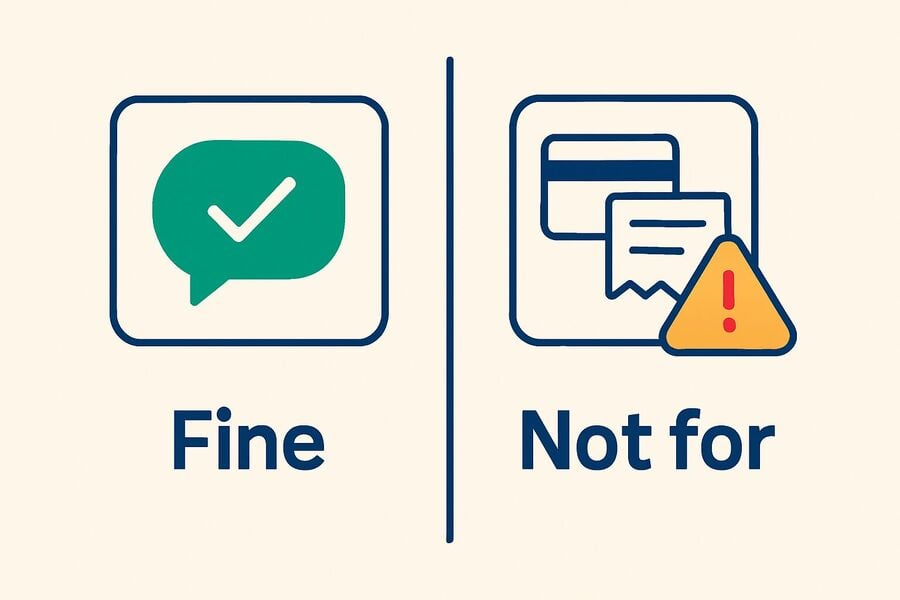
- ChatGPT Plus or Pro — billing receipts, payment-failure notices, and subscription support need a durable inbox.
- The OpenAI API — tied to billing and requires phone verification anyway.
- Team or work accounts, and anything connected to client work.
- Conversation history you care about — custom instructions, saved chats, and GPT configurations you would hate to lose.
A good rule of thumb: use temp mail for evaluation, then move any keeper account to an email you control directly. OpenAI offers self-serve email changes only for eligible users in ChatGPT settings on the web, and that option does not help you at all if you are already locked out of the original mailbox.
Troubleshooting
| Symptom | Likely cause | What to do |
|---|---|---|
| The verification email never arrives | Slow delivery, or that address did not work in this session | Wait up to 2 minutes, refresh the inbox, then generate a new address on a different domain and retry. |
| New device login code not arriving | You are checking a fresh inbox, not the original one | You can restore the original address with your Access Token first, then request the code again. |
| Password-reset email not arriving | Original inbox expired or wrong address restored | You can restore the exact signup address via your Access Token; if it is gone, account recovery via email is no longer possible. |
| OpenAI asks for a phone number | You are creating an API key, or this flow is asking for more than email | For a first API key, phone verification is required. For ChatGPT signup, a temp inbox cannot complete a phone step, so continue only with a number you control if you want to proceed. |
| Domain rejected at signup | This address did not work in that session | Refresh for a new address and retry, or use a custom domain if you need a domain you control. |
| Account locked or flagged after signup | Security review or account issue | Follow OpenAI's recovery prompts and wait for the account state to clear before trying again. |
| Lost your Access Token | Access Token not saved before closing | The inbox cannot be restored. You can always save the Access Token in a password manager at signup. |
| Used Google/Apple login by mistake | Account isn't tied to the temp email at all | Sign out and re-register, choosing the email-and-password path with your Tmailor address. |
Frequently asked questions
Does ChatGPT block disposable email addresses?
Not as a documented platform rule. OpenAI does not publish a disposable-email policy that guarantees either acceptance or rejection, so treat it as something you observe rather than something you can rely on: an address may be accepted today and refused later. If one address is refused, try another domain, and use a permanent email for any account you need to keep.
Do I need a phone number to sign up for ChatGPT?
Not for the account-creation step OpenAI documents: it says phone verification is no longer required simply to create an account or use ChatGPT, so email verification is normally enough. Phone verification is still required for your first API key, and extra checks can appear in situations OpenAI does not publish rules for.
Can I use a temporary email for a ChatGPT password reset?
Only if you can open the same inbox again can the reset email reach a throwaway address. A Tmailor inbox restored with your Access Token can — as long as the address still exists — which is why a reusable inbox is safer for accounts you keep.
Can I receive ChatGPT login verification codes with temp mail?
Yes, when you restore the original address. OpenAI emails a one-time code for logins from a new device or location; that code reaches the same inbox you signed up with if you have reopened it with your token. Read it within the 24-hour retention window.
Should I use a temporary email address for ChatGPT Plus?
No. Plus is a paid plan, and billing plus account recovery both depend on an inbox you will still control later. OpenAI offers self-serve email changes only for eligible users in ChatGPT settings on the web, and that option is no help once you are already locked out of the original mailbox. Use a permanent address for any paid account.
What happens if I lose my Tmailor Access Token?
Without the Access Token, that specific inbox cannot be restored, and any recovery depending on it is lost. Save the Access Token in a password manager before you rely on the address for anything important.
Is using temp mail against OpenAI's rules?
Using a separate email to protect your primary inbox is normal privacy hygiene. You still need to use ChatGPT under OpenAI's Terms of Use. The point of temp mail here is inbox separation and recovery planning, not changing what the account is allowed to do.
The bottom line:
ChatGPT can work with a temporary email because signup is still email-centric — but the safer version of that setup is a reusable Tmailor address you can reopen later for login codes and resets. Keep your curiosity separate from your identity, and keep recovery possible. Grab a free temporary email and try it.

Minh Nguyen is the founder of Tmailor and the developer who publishes the Tmailor temp mail apps on the App Store and Google Play. He has built and operated Tmailor's free, receive-only disposable email service since 2022, focusing on reliable OTP delivery, inbox privacy, and reusable temp mail addresses.