Temp Outlook Mail & Temp Yahoo Mail: Aliases Explained
Outlook supports free plus-addressing. Yahoo offers disposable addresses with regional limits. Here's how both compare with a standalone temporary inbox.
Quick access
Does Outlook or Yahoo Have a Temp Mail Trick Like Gmail?
Searching for outlook temp mail, temp Outlook mail, or temp Yahoo mail? Outlook.com has free plus-addressing that routes a tagged address to your regular inbox. Yahoo Mail offers disposable addresses, with limits tied to region and account eligibility. Neither one gives you a mailbox of your own. For an inbox that's actually separate, create a free temporary email address with Tmailor; no sign-up required.
Gmail's version is the one most people already know: add a tag after the plus sign, or shuffle the dots in the username, and a consumer Gmail address still gets the mail. For the mechanics, see how a temp Gmail alias actually works. Outlook's plus-tag behaves the same way. Yahoo's disposable address is a different mechanism — an alias your account manages, not a plus-tag — which is why it comes with its own limits instead of Gmail's free, unlimited tagging.
Can a Temp Yahoo Mail Generator Make a Real @yahoo.com or @outlook.com Address?
No. A generator site can't hand you a brand-new, working @yahoo.com or @outlook.com mailbox; only Microsoft and Yahoo can issue those, and both still require their own signup. Sites advertising a "temp Yahoo mail generator" or an "instant Outlook account" are usually offering something else: an account someone else already created, a lookalike domain, or a tool that just points you back to a plus-tag on an inbox you'd still need to own.
Treat any site promising an instant @yahoo.com or @outlook.com inbox with no account at all as a red flag; that's not a feature either provider offers. A temporary email address from a dedicated service like Tmailor sidesteps the problem by giving you a working inbox on its own domain instead. Either way, a temporary address doesn't remove a website's password, phone, or identity requirements.
What a Temp Mail Address Can't Do (Read This First)
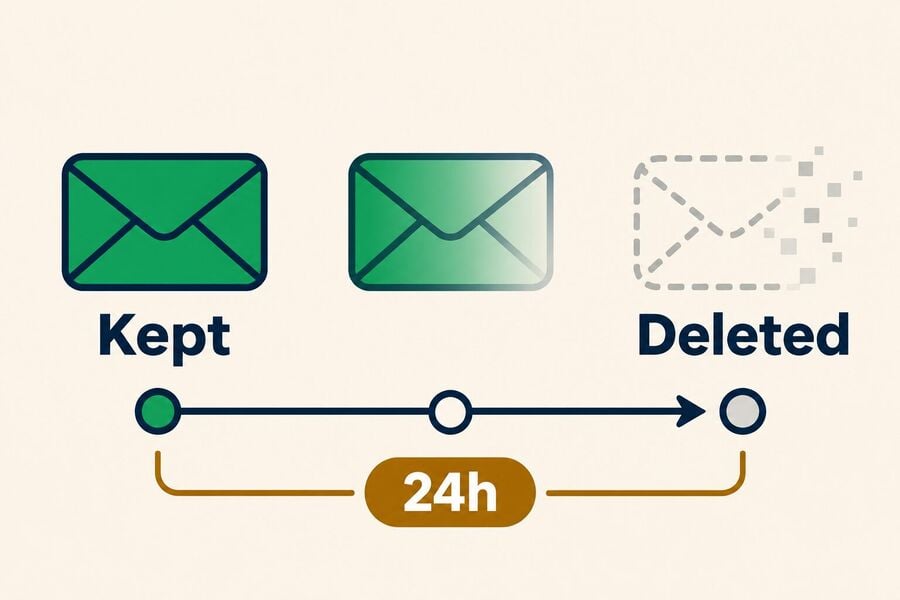
Tmailor is receive-only: it can't send email, and attachments don't go either direction. A message sticks around for about a day, then it's gone automatically, and that's true even for an address you've saved to an account; the account keeps the address, not an archive of old mail.
Tmailor spreads addresses across 500+ domains on Google's mail infrastructure, which helps delivery but isn't a guarantee. Some sites reject disposable domains outright, and no provider can promise every OTP arrives. See how domain rotation affects OTP delivery for the mechanics.
How Outlook's Free Plus-Addressing Trick Works
Outlook.com supports plus-addressing for personal accounts, including Hotmail and Live addresses on the same system. Add a tag before the @, like yourname+shopping@outlook.com, and the mail lands in your normal inbox without creating anything new. Tested on a live Outlook.com account in November 2026: a message sent to a +tag address arrived within seconds, and the tag survived Outlook's rule-based filters, so a rule like "move mail sent to +shopping into a folder" works. Microsoft's own support documentation also notes that the tagged address can't be used to sign in or to send mail, only to receive it.
Yahoo Disposable Addresses: Free Limits and Paid Options
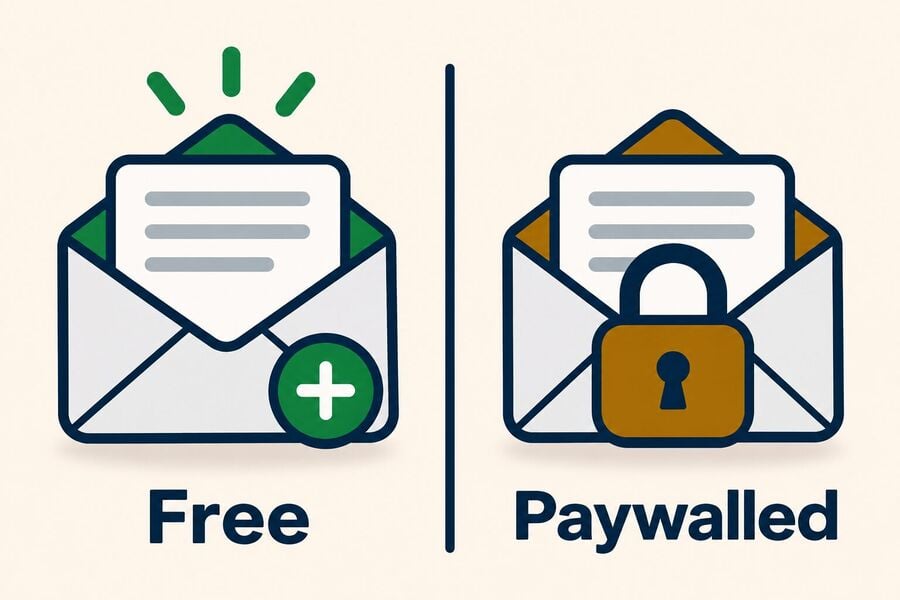
Yahoo Mail's disposable addresses live under Settings > More Settings > Mailboxes > Disposable Email Address in the current web interface. From there, an account in a Yahoo Mail Plus locale can generate an address in the format nickname-keyword@yahoo.com. As of November 2026, Yahoo's published help pages list up to three free disposable addresses in Plus locales, or up to 500 with a paid Mail Plus subscription. Yahoo's help pages were rate-limiting requests while this was being checked, so that allowance is Yahoo's documented figure rather than a fresh count against a live account; treat the exact numbers with that caveat.
These addresses deliver to your existing Yahoo inbox, can mask your permanent one, and can be deleted individually. The free allowance is limited, but Yahoo's documentation doesn't attach an expiry date to it.
Gmail, Outlook, Yahoo, and Tmailor at a Glance
None of these four options does everything. The table below lines up cost, whether you get a mailbox of your own, and what each can and can't do.
| Option | Cost | Own mailbox? | Hides your main address? | Deletable? | Can send mail? |
|---|---|---|---|---|---|
| Gmail plus-tag | Free | No | No | No | Yes |
| Outlook plus-tag | Free | No | No | No | Yes |
| Yahoo disposable address | Free (limited) or Mail Plus | No | Yes | Yes | Yes |
| Tmailor temporary inbox | Free | Yes | Yes | Expires automatically | No |
The Catch With Alias Tricks (Even the Free Ones)
A tagged address is still a variation of your real one, not a new identity. Some signup forms reject it outright: a common pattern is to require "a valid email address" and silently strip or block anything containing a plus sign, so yourname+shopping@outlook.com can bounce at checkout even though Outlook delivers it fine. When that happens, the fix isn't a different trick, it's a different inbox.
A tagged address also doesn't create a new account or qualify you for a site's new-customer offers; everything still ties back to the one you already have. Check a site's own signup rules before assuming either trick will work there.
How to Get a Fully Separate Temporary Inbox Instead
Open Tmailor's temporary inbox to get a free email address with no registration. Paste it into any form that accepts disposable email, then watch the same page for incoming mail. No Outlook, Yahoo, or Gmail login involved. Delivery times vary, and a standalone address isn't automatically an anonymous one.
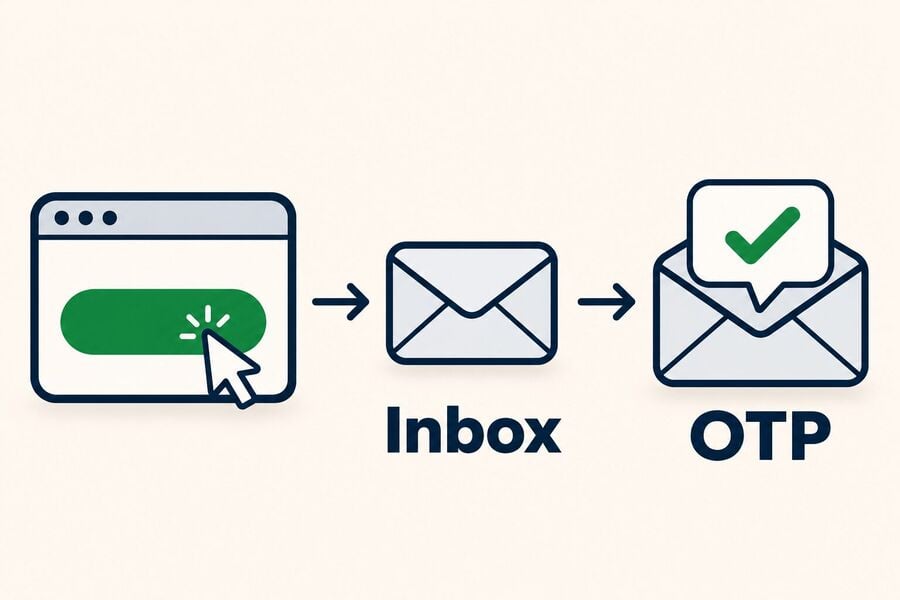
To reuse an address later, save its Access Token as a recovery key. A lost token for a guest address can't be recovered. An address already saved to a free Tmailor account can be reopened from Created Emails without the token, though saving it doesn't preserve old mail; messages still clear after about 24 hours. See how to reuse a temporary email address.
Frequently Asked Questions
Does Outlook have plus-addressing like Gmail?
Yes. Outlook.com supports the same plus-sign tagging as Gmail for personal accounts, with no extra setup. The tagged address can't be used to sign in or send mail, only to receive it.
Is Yahoo's disposable email still free?
Partly. Yahoo's help pages list up to three free disposable addresses in Mail Plus locales and up to 500 with a paid subscription; those figures come from Yahoo's published documentation rather than a fresh account test, so availability by region is worth double-checking in your own account.
Does an email alias give me real privacy?
An alias can provide some privacy benefits, depending on its design. Gmail and Outlook plus-tags expose the underlying address, while Yahoo disposable addresses can hide the permanent one. A standalone temporary inbox avoids sharing your main email address, but it doesn't guarantee anonymity.
Can I just create a second Outlook or Yahoo account instead of using an alias?
You can, and it's the most complete option if you plan to keep using that inbox, but it takes longer and still needs a phone number or backup email to verify. For a one-time signup, a plus-tag, a Yahoo disposable address, or a temp mail address are all faster.
The Short Version
Outlook's plus-tag and Yahoo's disposable address both work, but neither hands you a mailbox of your own; see the table above for the exact trade-offs. When you want mail that lives apart from your main account, a temporary email inbox does that instead. Tmailor's version is receive-only, and messages disappear after about a day.

Marcus Lee writes Tmailor's step-by-step guides, signing up to apps and platforms with temp mail, using the mobile app and Telegram bot, custom domains, reusing addresses, and getting the most out of disposable email day to day.