Temp Mail for Reddit: Safer Sign-Ups and Smarter Throwaway Accounts
Reddit lets you sign up with an email or phone number, and a disposable inbox keeps your identity private while still letting you receive the verification codes and reset links you need.
Quick access
Key Takeaways
Everything you need to sign up for Reddit privately, in one screen.
Temp mail for Reddit lets you create an account without exposing your primary inbox. You paste a receive-only address into the sign-up form, open the verification email, enter the code Reddit sends, and you're in. Save the Access Token if your provider offers one so you can reopen the same inbox for password resets later.
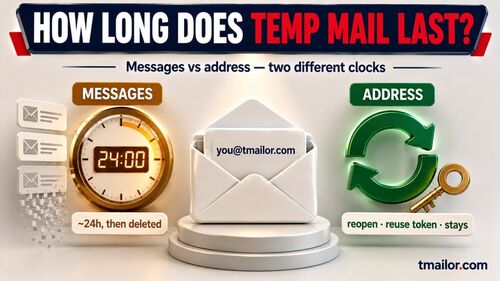
- What it is: an instant, receive-only inbox that auto-deletes each message after about 24 hours.
- Reddit reality: sign-up offers email or phone; on the email path, Reddit sends a verification code to your inbox.
- If the email stalls: resend once, refresh the inbox, then switch to a different domain.
- Keep access: store the Access Token in a password manager to receive resets at the same address weeks later.
- Stay within the rules: no sending, no attachments, and no using throwaways to evade a ban.
A disposable address stands in for your real inbox, so Reddit gets a verifiable email without a permanent link to you.
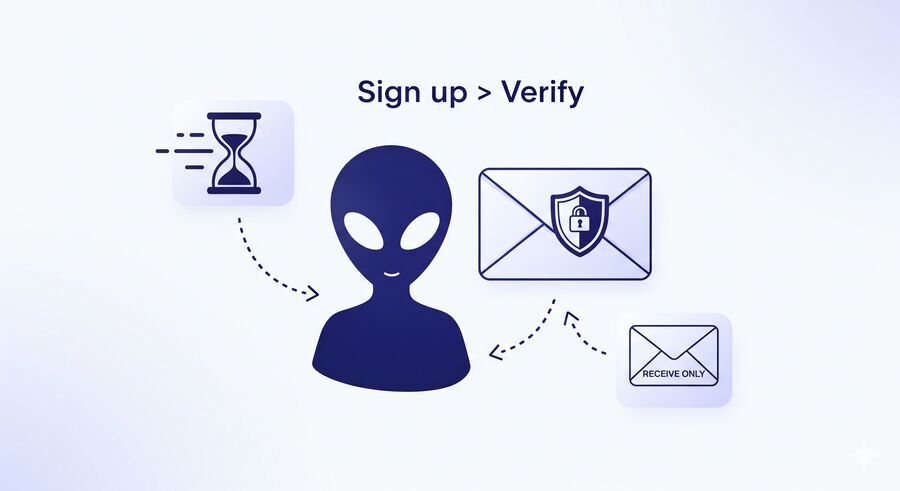
Why use temp mail for Reddit accounts
Separate your Reddit identity from your real-world one.
Temp mail creates a buffer between your Reddit activity and your personal identity. Reddit throwaways are usually single-purpose: test a community, ask a sensitive question, or keep a side project separate from your main handle. A disposable inbox reduces exposure, blocks marketing follow-ups, and still gives Reddit a working address for verification. To understand the model before you start, our how temp mail works primer covers the basics.
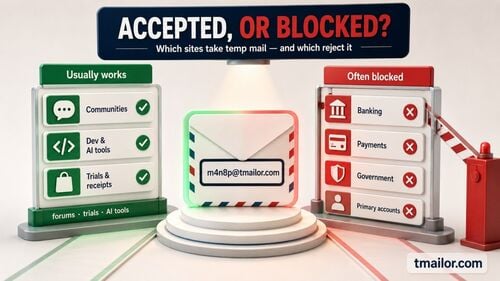
Acceptance can vary. If an address is rejected or the code doesn't arrive, switch to another domain and slow down between tries. Tmailor offers 500+ receive-only domains on Google-MX infrastructure, but no provider can guarantee Reddit will accept a given address. For a wider view of where disposable email is welcome or filtered, this rundown of which sites accept temp mail puts Reddit in context with other platforms.
Does Reddit require email verification?
Reddit's current sign-up is email or phone, with a code check on the email path.
Reddit's public register flow currently shows both phone and email options. On the email path, Reddit displays a "Verify your email" screen and asks for a 6-digit code sent to that inbox, so you need an address you can open immediately. A phone number is more personal and harder to rotate, which makes email the stronger privacy choice for a throwaway. The recovery trade-off still holds: without a verified email, you can't reset a forgotten password, so a disposable address is the middle ground — a verifiable, recoverable inbox that isn't tied to your real identity.
Reddit also said in March 2026 that automated or suspicious accounts may be asked to confirm a human is behind them, and that this is not sitewide human verification. Keep the claim at that level: the check is behavioral rather than a blanket email rule at sign-up, and Reddit's stated goal is to confirm there is a person behind the account, not to identify who they are.
Set up a Reddit account with a disposable inbox.
Four steps to a verified account, plus a quick safety check.
Creating the account takes four practical steps plus a quick safety check. Open a temp mail tab, register on Reddit in a second tab, enter the verification code, and store your token. Keep both tabs open so you can jump between the sign-up form and the incoming message without losing your place.
The four-step flow: generate an inbox, register, enter the email code, then save your Access Token.
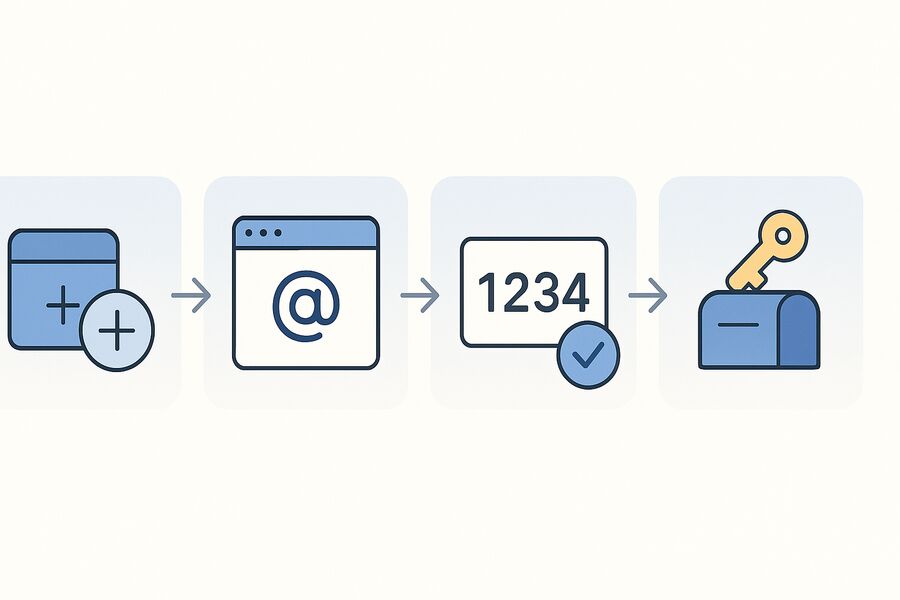
1. Generate a receive-only inbox
Open a trusted disposable provider and create a fresh address. Favor a service with a large, rotating domain pool on Google MX for easier domain switching when one address is rejected, and keep the inbox tab open.
2. Register on Reddit
In a second tab, start Reddit registration at reddit.com. Paste your disposable address, set a strong password, clear any captcha, and submit to trigger the verification email.
3. Verify the email and handle delays
Return to the inbox, refresh the page, and enter the verification code from Reddit's email on the sign-up screen. If it is slow to arrive, a provider built for reliable delivery helps — our guide to the best temp mail for OTP explains what actually makes verification messages land.
4. Save the Access Token
If the provider supports it, copy the Access Token now. It lets you reopen the same inbox later for a password reset or re-verification. Learn the mechanics in our walkthrough for reusing your temp address.
Before you finish: a quick security check
Avoid opening files from unknown senders. Receive-only inboxes with no attachments are a safer default, so copy the code or link you need, then move on.
When the verification email doesn't arrive
A stalled email is usually a domain or timing problem, not a dead end.
A missing verification email usually means the address was rejected, the message is delayed, or you retried too quickly. Work through the fixes in order instead of hammering the resend button, which can trip rate limits and slow things down further.
Separate the two failure modes first, because they need opposite responses. If Reddit refuses the address before the form submits, that is an acceptance problem — switch to a different domain right away. If Reddit accepts the address but nothing lands, that is a delivery-timing problem — wait, refresh, resend once, and only then change domains. Note that Tmailor shows every inbound message in one list: there is no spam folder and no filter menu to check inside the inbox.
- Resend once, then wait 60 to 120 seconds and refresh the inbox before trying again.
- Switch domains if nothing lands; acceptance is not uniform across disposable domains.
- Slow down between attempts, since rapid retries can trip rate limiting and delay the next message.
If the address itself is refused at the form, that points at the domain rather than at your account. Our breakdown of why sites block disposable email explains the detection methods sites use in general, and what to do when an address won't go through.
Reuse the same inbox with an Access Token.
Continuity without a new mailbox every time.
An Access Token turns a one-off inbox into a returnable one. Re-verification happens more often than people expect — new devices, security prompts, or a forgotten password weeks later. By storing the token, you can come back and receive fresh messages sent to the original address, all without creating a personal account or exposing your primary email. Two limits are worth knowing before you rely on it: a lost Access Token cannot be recovered by support, and reusing the address does not make old messages permanent — each message still ages out after the usual ~24-hour visibility window.
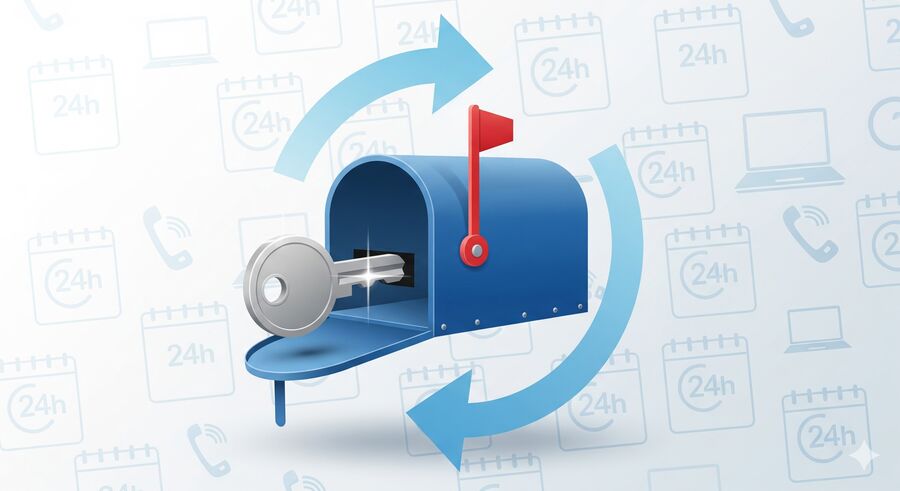
The Access Token acts as a recovery key that reopens the same inbox across devices and time.
A few habits keep reusing reliable:
- Store the token in a password manager, not a stray note.
- Remember each message's roughly 24-hour visibility window, and request a fresh email if one has expired.
- Don't lean on a disposable inbox for high-stakes, long-term recovery; it is built for short-lived tasks.
Throwaway vs. reusable: which to pick
Match the address to how long you want the account to live.
The right choice depends on the account's lifespan. A pure throwaway suits a one-time comment or a subreddit you'll never revisit — verify, use it, and let the inbox expire. A reusable address with a saved token fits an account you plan to keep but still want to shield from your real identity, since you can return for resets and re-verification. For example, a burner used to ask one sensitive question can be discarded immediately. At the same time, a pseudonymous account you post from weekly is worth pairing with a saved token so you never lose access.
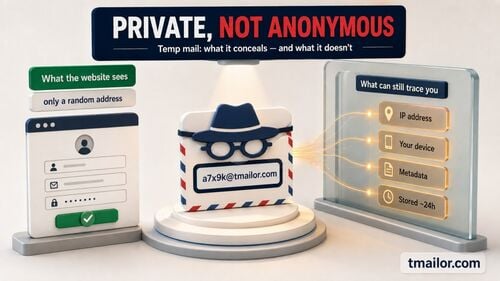
Be honest about privacy limits, though. A disposable email hides your address, but it does not make you untraceable — Reddit still sees your IP, device, and behavior. Our honest look at how anonymous temp mail really is draws that line clearly. If your need is narrower or broader than Reddit, this guide to temp mail alternatives by need helps you match the tool to the job.
Use temp mail responsibly on Reddit.
Use it for privacy rather than evasion, and keep the workflow clean.
Disposable email is a privacy and convenience tool, not a way around Reddit's rules. Reddit actively removes large volumes of spam and bot accounts, and its published rules focus on what accounts do, not the email type used at sign-up. Keeping your usage within the rules helps protect the account.
- Respect Reddit's Terms: use throwaways for privacy; never use them to dodge a ban or to spam communities.
- No sending, no attachments: stick to codes and verification links to keep exposure low.
- Minimize data: don't route sensitive personal information through a throwaway inbox.
- Prefer transparent providers: pick services that publish clear retention windows and align with GDPR/CCPA.
Frequently Asked Questions
Can I create a Reddit account with a temporary email?
Yes, if Reddit accepts the address in that sign-up session. Generate a receive-only inbox, paste it into the registration form, and enter the verification code Reddit sends to that inbox. If one domain is rejected or no email arrives, switch to another domain and try again slowly. Save the Access Token so you can reopen the inbox for future password resets.
Does Reddit block temp mail domains?
Sometimes. If you see "this email is not allowed" or no email arrives, a different domain may be accepted, and a blocked domain is not proof that your account is banned. But if Reddit will not take a disposable address at all, treat that as its rule rather than an obstacle to work around, and sign up with a permanent email you control.
Will a temp mail account get me banned on Reddit?
Reddit's public rules don't list disposable email itself as a ban reason; they focus on behavior — spam, harassment, automation, and policy violations. Reddit's internal risk systems aren't public, though, so use a disposable address for privacy only. Problems start when throwaways are used to evade a ban or spam communities, which the responsible workflow avoids.
How do I reset my Reddit password if I used temp mail?
Reopen the same disposable inbox using its Access Token, then request a reset from Reddit. The reset link is sent to the original address, so continuity depends on saving that token at sign-up. Without it, the inbox is gone, and recovery is not possible, so store the token in a password manager.
Is Temp Mail on Reddit anonymous?
Not fully. A disposable email hides your real address from Reddit, which is a strong privacy gain, but it does not make you untraceable. Reddit still records your IP address, device signals, and posting behavior. Temp mail is best understood as private rather than anonymous, and it pairs well with other privacy habits.
How long do Reddit verification emails stay in a temp inbox?
About 24 hours. Each message in a temporary inbox stays visible for roughly a day, then auto-deletes. That window is plenty for a sign-up code or reset link. If a message has already expired, trigger a fresh one from Reddit and refresh the inbox to receive the new email.
The Bottom Line
Temp mail is the practical middle path for Reddit: private enough to keep your real inbox out of it, reachable enough to receive sign-up codes and reset links. Generate a receive-only address, keep the inbox open to read Reddit's verification code, and save the Access Token so the same address is there when you need a reset. When you're ready, create a free temp mail and paste it straight into Reddit's sign-up form — keep the usage honest and within Reddit's rules.

Marcus Lee writes Tmailor's step-by-step guides — signing up to apps and platforms with temp mail, using the mobile app and Telegram bot, custom domains, reusing addresses, and getting the most out of disposable email day to day.